The Smart Speaker Sitting There Could Be Your Best Sleep Gadget
I think a lot of people buy smart speakers and barely scratch the surface of what they can do.
They use them for music, maybe a timer, maybe asking random questions when they cannot be bothered to pick up their phone.
But one of the simplest uses is turning one into a dedicated white noise machine.
And honestly, it makes a lot of sense.
The speaker is already in the bedroom. It already connects to the internet. It already understands voice commands. Why buy another device when the one sitting on your shelf can handle the job?
A steady background sound can help cover annoying little noises that seem to appear exactly when you are trying to sleep. Traffic outside. Neighbors moving around. Random house sounds that suddenly feel ten times louder at night.
The setup is pretty simple, but a few small changes make the experience much better.
Start by Picking the Right Place for Your Speaker
The first mistake people make is putting the speaker in the wrong spot.
The goal is not to blast sound directly at yourself.
You want the sound to fill the room naturally.
Good locations include:
- A bedside table.
- A shelf near the bed.
- A dresser across the room.
- A bedroom corner.
Try avoiding placing it right next to your pillow if possible. Even a quiet sound can become distracting when it feels like it is coming from two inches away.
A little distance usually creates a softer, more comfortable background effect.
Choose a Sound That Actually Helps You Relax
White noise is not the only option.
This is where people sometimes get stuck because they think there is one “correct” sleep sound.
There really is not.
Some people prefer:
- Classic white noise.
- Deeper brown noise.
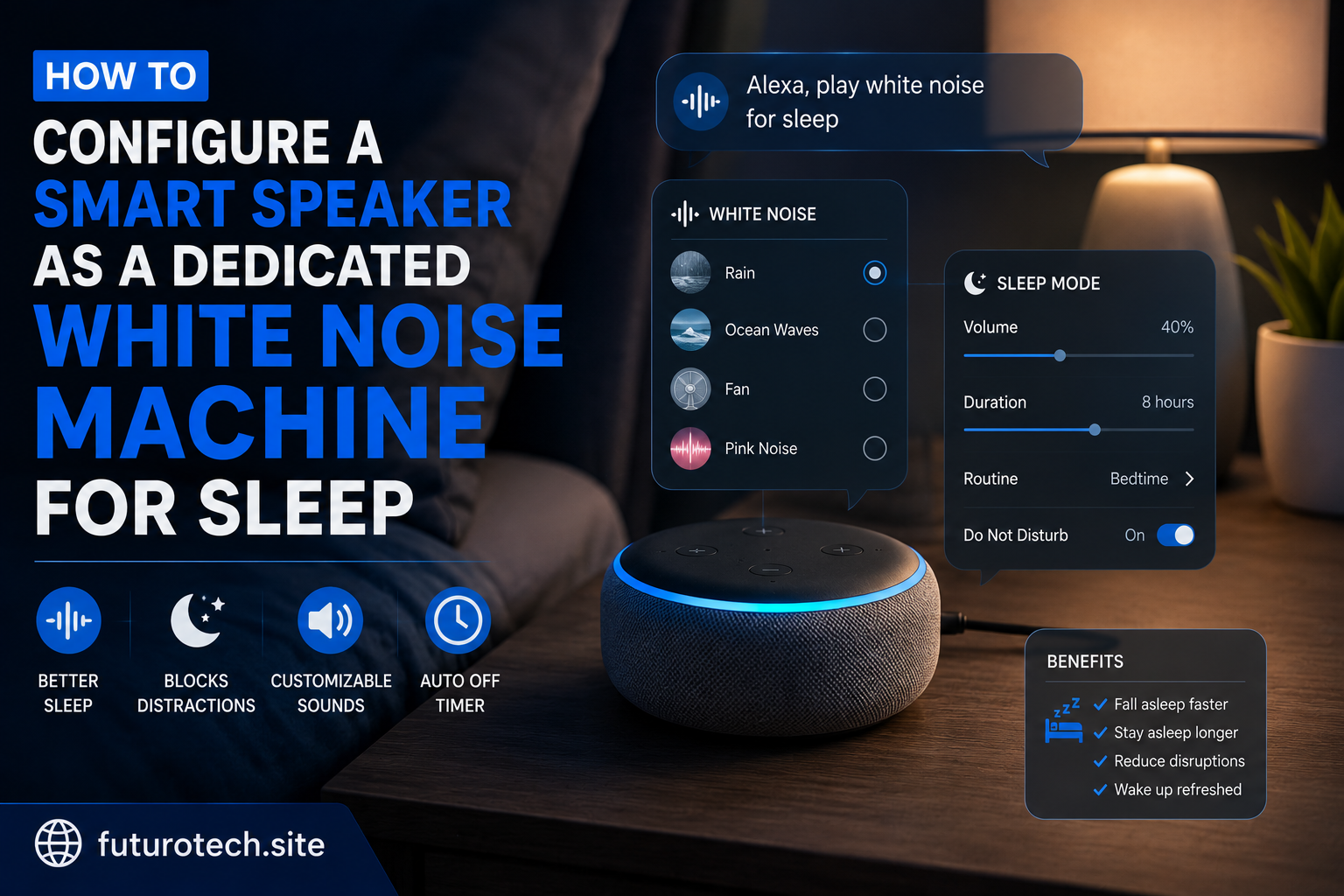
- Rain sounds.
- Ocean waves.
- Fan sounds.
- Forest or nature sounds.
A high-pitched white noise might work perfectly for one person and feel unbearable to someone else.
Try different sounds for a few nights before deciding.
Your brain is surprisingly picky about background noise.
Connect the Speaker to Your Preferred Sound Source
Most smart speakers can play sleep sounds through built-in features, streaming services, or dedicated sound apps.
The setup usually involves:
- Opening the smart speaker app.
- Choosing your preferred audio source.
- Selecting a sleep sound.
- Saving the routine or command.
The important thing is consistency.
You do not want to spend ten minutes every night searching for the same sound.
The whole point is making bedtime easier.
Create a Simple Sleep Voice Command
This is where a smart speaker becomes much more useful than a normal white noise machine.
Instead of touching buttons in the dark, you can simply say a command.
For example:
“Start sleep sounds.”
Or:
“Good night.”
A bedtime routine can trigger several things at once:
- Start white noise.
- Lower the speaker volume.
- Turn off smart lights.
- Activate other bedroom settings.
It is a small thing, but removing tiny steps when you are tired is surprisingly nice.
Set a Sleep Timer That Matches Your Routine
Some people like sound all night.
Others only need it while falling asleep.
A timer lets you choose what works.
Common options:
- 30 minutes.
- 1 hour.
- Several hours.
- Continuous playback.
If you wake up when the room suddenly becomes silent, a longer timer might work better.
If you prefer quiet after falling asleep, a shorter timer may be enough.
Find the Right Volume Level
This part is easy to get wrong.
White noise does not need to be loud.
It should sit in the background, not become the main event.
Start at a lower volume than you think you need.
Give yourself a few nights to adjust.
A comfortable level is usually the one you barely notice after a few minutes.
Create a Dedicated Sleep Setup Instead of Using Random Commands
If your smart speaker is doing everything in your home, things can get messy.
The same device might be handling:
- Morning alarms.
- News updates.
- Shopping reminders.
- Entertainment.
A dedicated sleep routine keeps things cleaner.
You can create:
- A bedtime command.
- A preferred volume level.
- A default sleep sound.
- A nighttime schedule.
The goal is to make the speaker feel like part of your sleep environment.
Troubleshooting Common Sleep Sound Problems
The Sound Stops Randomly
Check whether the audio source has playback limits or automatic stopping features.
Some sound services behave differently depending on how they are started.
The Speaker Responds Too Loudly at Night
Adjust response volume or notification settings.
A sleep device should not suddenly wake you up because it decided to announce something.
The Sound Feels Distracting
Try changing the type of noise.
A different frequency or sound style can make a huge difference.
Add Other Bedroom Automations Carefully
Once you have the white noise working, it is tempting to automate everything.
Lights.
Temperature.
Curtains.
Every possible setting.
But a relaxing bedroom does not need to become a complicated control center.
Add only the things that actually improve your routine.
Turn Your Smart Speaker Into Something You Actually Use Every Night
The best smart home features are usually not the flashy ones.
They are the quiet improvements that remove little annoyances from your day.
A smart speaker playing white noise is a perfect example.
It does not completely change your life.
It just makes bedtime smoother.
And after a while, saying one simple command and hearing that familiar background sound start up becomes part of your normal routine.
That is when the automation starts doing exactly what it was meant to do.