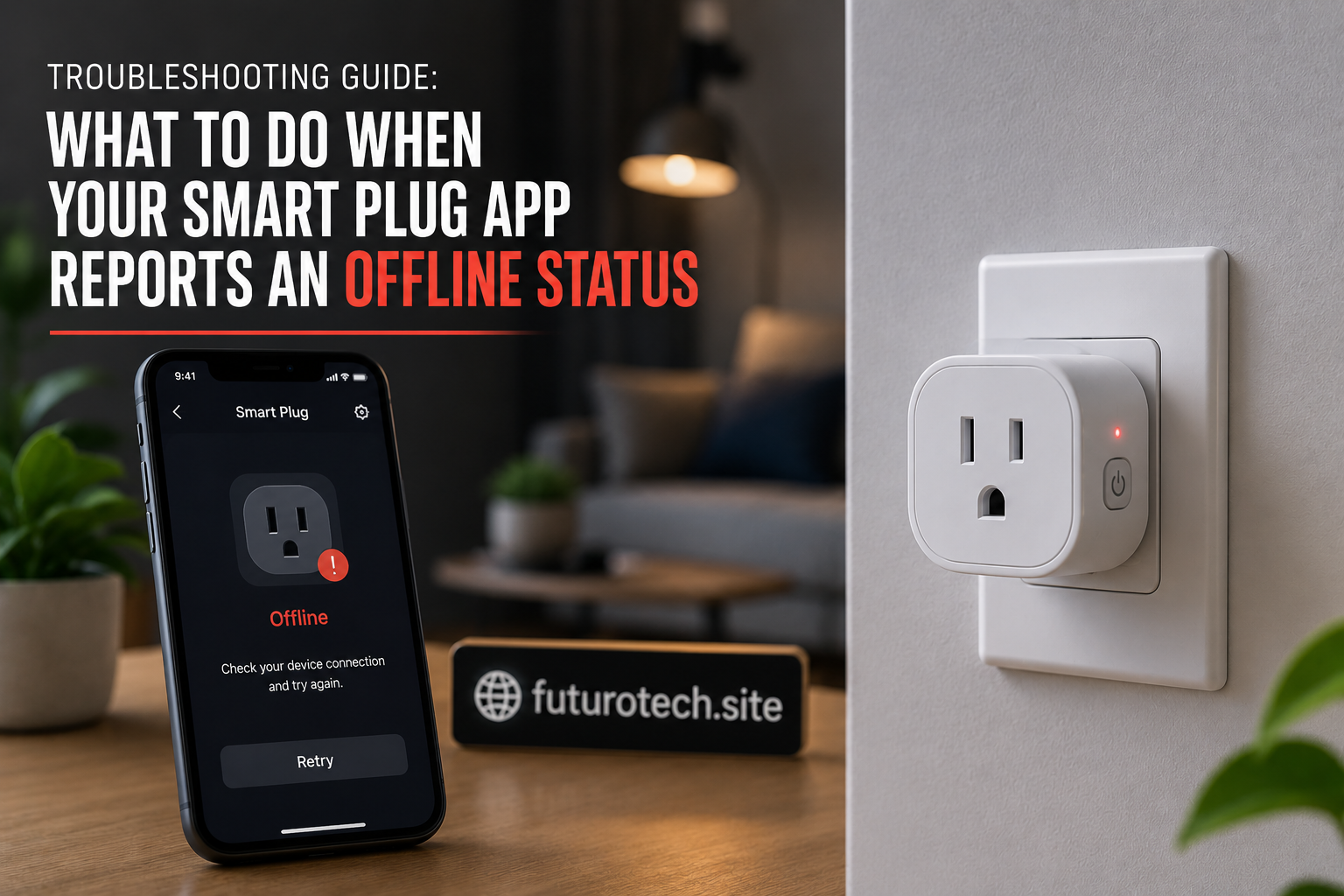
Troubleshooting Guide: What to Do When Your Smart Plug App Reports an Offline Status

The Little Offline Message That Can Ruin Your Smart Home Mood
There is a special kind of annoyance that comes from opening your smart plug app and seeing one word staring back at you:
Offline.
The device that worked perfectly yesterday is suddenly unreachable. The lamp won’t turn on. The fan won’t respond. The schedule you created is sitting there doing absolutely nothing.
And the funny thing is, the smart plug itself might still have power. The little indicator light is glowing like nothing happened.
This is where people usually start blaming the device.
Sometimes the plug is the problem. But very often, the issue is somewhere between your Wi-Fi network, the app, the router, and the cloud connection that keeps everything talking.
The good news is that an offline smart plug is usually fixable without throwing the whole setup away.
Start With a Simple Check: Is the Smart Plug Actually Powered?
Before changing settings, check the obvious things first.
Is the smart plug still connected to the wall?
Has someone unplugged it?
Did the power outlet trip?
Has there been a power outage?
It sounds too simple, but power interruptions are one of the most common reasons smart plugs appear offline.
A quick look at the device light can tell you a lot. If there are no lights at all, the problem probably isn’t the app.
The plug needs electricity before it can communicate with anything.
Check Your Wi-Fi Connection Before Resetting Anything
A lot of people jump straight to a factory reset when a smart plug disappears.
I understand the temptation.
The reset button feels like the “fix everything” button.
But it also means setting the device up again, recreating schedules, and reconnecting your smart home routines.
Before doing that, check your Wi-Fi.
Try connecting another device to the same network. If your phone or laptop is also struggling, the smart plug probably isn’t the main issue.
A weak or unstable Wi-Fi connection can make smart plugs randomly disappear and reconnect throughout the day.
Restart the Smart Plug and Your Router
This is the boring advice that somehow works way more often than it should.
Restart the smart plug:
- Unplug it from the outlet.
- Wait about 20 to 30 seconds.
- Plug it back in.
- Wait for it to reconnect.
If the issue continues, restart your router too.
Your router is basically the traffic controller for every connected device in your home. Sometimes it just needs a fresh start.
Move the Smart Plug Closer to the Router
Wi-Fi strength matters more than many people realize.
A smart plug hidden behind furniture, inside a cabinet, or far away from the router may technically have a connection but still struggle to stay online.
Try moving the plug closer temporarily.
If it suddenly works, you’ve found the problem.
The solution might be:
- Moving the router.
- Adding a Wi-Fi extender.
- Using a mesh Wi-Fi system.
- Reducing interference around the plug.
Check Whether Your Wi-Fi Password Changed
This one catches people after upgrading their internet.
You get a new router, change your Wi-Fi name, or update your password, and suddenly your smart devices start disappearing.
The reason is simple:
The smart plug still remembers the old network information.
It has no idea your Wi-Fi changed.
In this situation, you usually need to reconnect the plug to the new network through the app.
Make Sure Your Smart Plug App Is Working Properly
Sometimes the device is fine and the app is the problem.
Try:
- Closing and reopening the app.
- Checking for updates.
- Signing out and back in.
- Confirming the app service is online.
Apps occasionally lose communication with cloud services, making perfectly working devices appear unavailable.
It is frustrating because the app makes it look like the hardware failed.
But sometimes the app is simply confused.
Check If Your Smart Home Account Lost Connection
If your smart plug is linked to another smart home platform, the connection between services may have broken.
For example, your plug might work inside its original app but appear offline inside your main smart home system.
That usually means the integration needs attention.
Check:
- Whether the account link is still active.
- Whether permissions were removed.
- Whether the device needs to be rediscovered.
Look for Firmware Updates
Smart plugs are small devices, but they still run software.
Manufacturers release firmware updates to fix bugs, improve stability, and maintain compatibility with newer apps and platforms.
If your plug frequently goes offline, an update might solve a problem you cannot see.
It is worth checking before replacing the device.
Consider Whether Too Many Devices Are Overloading Your Network
This is something that sneaks up on people.
At first, you have one smart plug.
Then five.
Then smart bulbs, cameras, speakers, sensors, and everything else.
Suddenly your router is managing a small digital neighborhood.
Older routers can struggle with large numbers of connected devices, especially if several are communicating constantly.
If multiple smart devices are going offline, the network itself may need attention.
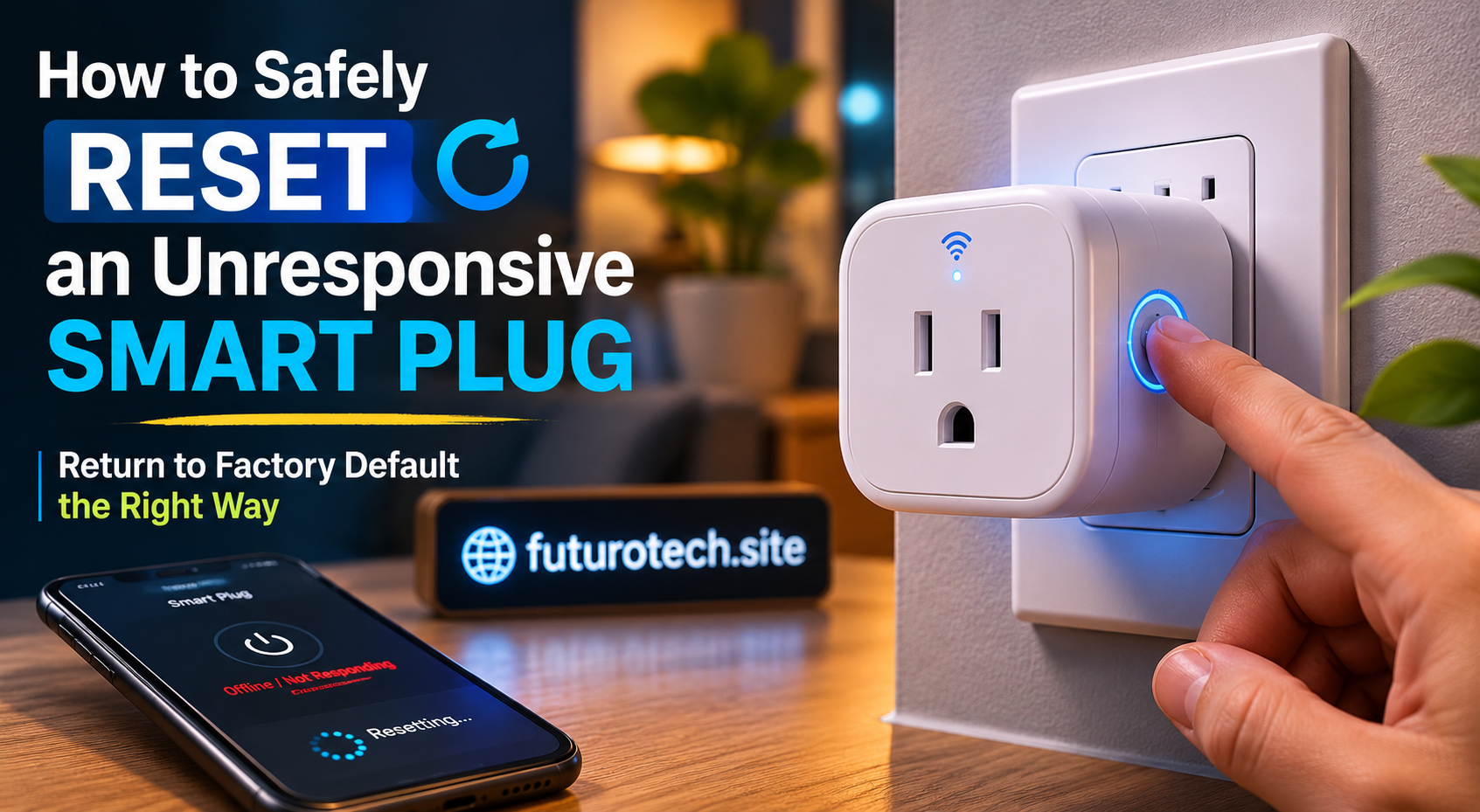
Factory Reset Only When You Need a Fresh Start
If nothing else works, a factory reset may be the right move.
This removes the saved network information and returns the smart plug to its original setup state.
After resetting, you will need to:
- Add the plug back to the app.
- Reconnect Wi-Fi.
- Rename the device.
- Rebuild automations.
It is a bit of a hassle, but sometimes starting fresh is faster than chasing a hidden connection problem.
When an Offline Smart Plug Might Actually Be Failing
Most offline issues are not hardware failures.
But there are signs that the device itself may be reaching the end of its life.
Watch for:
- The plug constantly disconnects even near the router.
- The device overheats.
- The app cannot detect it after multiple resets.
- The physical button stops responding.
- The plug randomly turns on or off.
At that point, replacing it may make more sense than spending hours troubleshooting.
The Goal Is Not Just Fixing the Plug, It Is Making It Reliable
A smart plug that works only when you constantly babysit it is not really smart.
The whole point of these devices is convenience.
You should be able to open an app, tap a button, and trust that something will happen.
Most offline problems come down to a few things: power, Wi-Fi, software, or account connections.
Once you know where to look, the problem usually feels much smaller.
And when that little plug finally comes back online after fighting with it for half an hour, it honestly feels like a tiny victory.
Smart home problems are rarely dramatic.
They are just annoying little puzzles waiting to be solved.