The Holiday Lights Problem That Happens Every Year
Every holiday season, there is always that one moment where you look outside at night and realize the lights are still on.
Maybe it is midnight. Maybe it is 2 AM. Maybe you are already in bed and suddenly remember the decorations are still running.
Then comes the debate.
“Do I get up and turn them off?”
“Or do I just leave them until morning?”
I have been there. More than once.
Holiday lights are meant to make a home feel warm and inviting, but manually switching them on and off every day gets old surprisingly fast. This is where a smart plug with a fixed timer becomes one of those simple smart home upgrades that actually earns its place.
Once it is set up, your lights follow the schedule without you thinking about it.
Why a Fixed Timer Is Perfect for Holiday Lights
Holiday decorations usually follow a predictable pattern.
You want them on in the evening when people can enjoy them, and you want them off later when everyone is asleep.
A fixed timer works well because it removes the small daily task of remembering.
Instead of:
- Plugging lights in every evening.
- Unplugging them before bed.
- Worrying if they were left running.
You create a schedule once and let the system handle the routine.
It is a small thing, but honestly, those small things are where smart home devices shine.
Check Your Holiday Lights Before Connecting Anything
Before setting up automation, inspect the lights themselves.
Make sure:
- The cables are in good condition.
- There are no exposed wires.
- The lights are rated for their location.
- The power requirements match the smart plug.
This step is easy to skip because the lights are usually the same decorations you used last year.
But decorations spend months in storage, and things can happen while they are packed away.
Choose a Smart Plug That Matches the Setup
Not every smart plug is used the same way.
For holiday lights, you usually want one that supports:
- Scheduled timers.
- Reliable Wi-Fi connection.
- Remote control from a mobile app.
- Outdoor use if the lights are outside.
If the lights are outdoors, make sure the smart plug is designed for outdoor environments.
An indoor plug sitting near rain or moisture is not worth the risk.
Connect the Smart Plug to Your Mobile App
The setup process is usually straightforward.
- Plug the smart plug into the wall outlet.
- Open the manufacturer’s app.
- Add the new device.
- Connect it to your Wi-Fi network.
- Name the plug something clear.
Naming matters more than people expect.
“Holiday Lights” is much easier to manage later than “Plug 3.”
Especially when you have several smart devices around your home.
Create Your Holiday Light Schedule
Now you can create the timer.
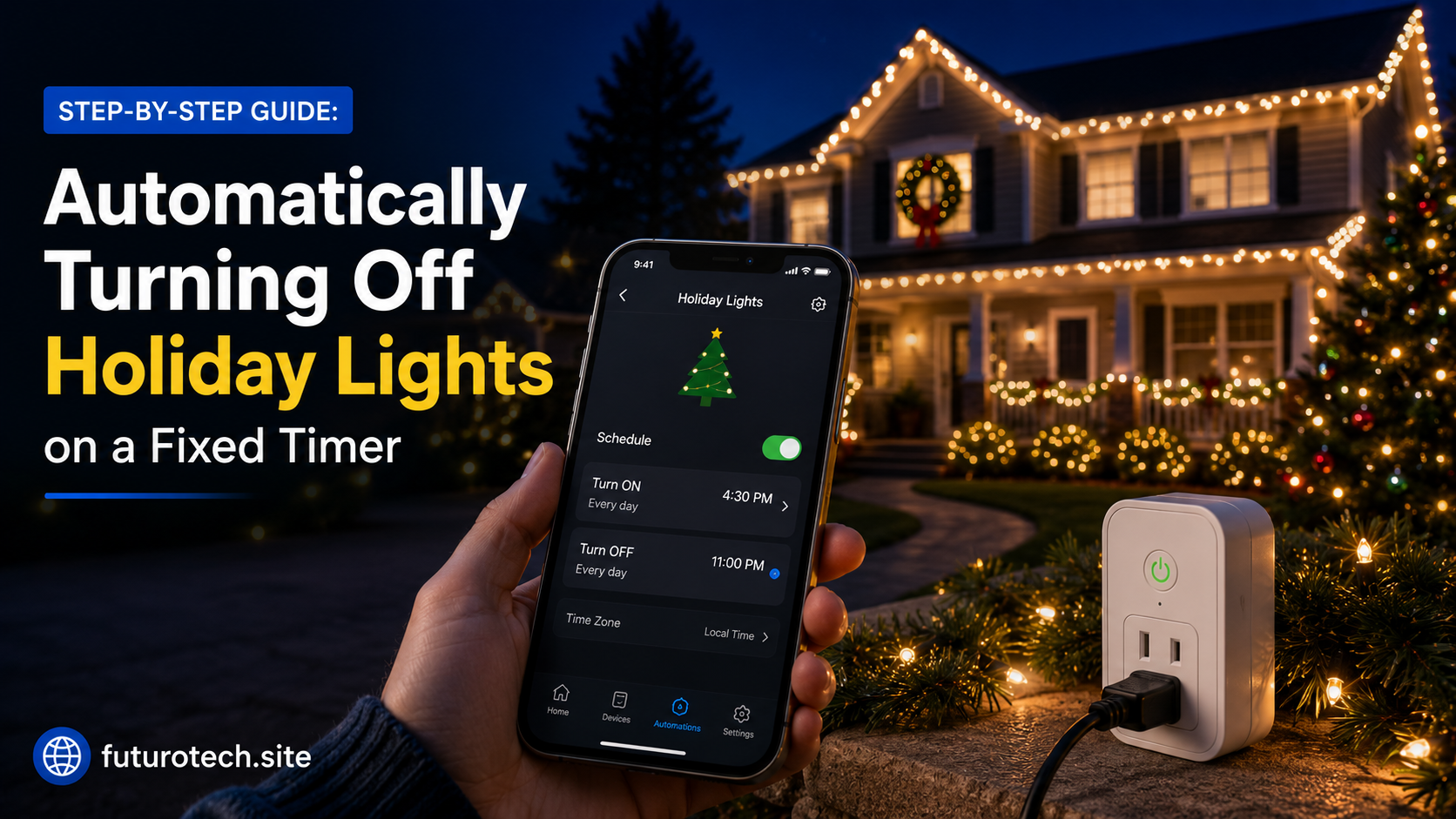
A common setup might look like:
- Turn on at 5:00 PM.
- Turn off at 11:00 PM.
But there is no perfect schedule.
It depends on your home and routine.
Some people want lights running until midnight.
Others prefer switching them off earlier to save energy and reduce unnecessary use.
Pick a time that fits how your household actually works.
Test the Timer Before Decorating Everything
This is a step I wish more people did.
Before hanging lights around the house, test the smart plug.
Create a temporary schedule a few minutes ahead.
For example:
- Turn on in two minutes.
- Turn off in five minutes.
Watch what happens.
Make sure:
- The plug responds.
- The lights turn on correctly.
- The timer works as expected.
It is much easier to fix problems before you are standing outside with decorations everywhere.
Use Sunrise and Sunset Scheduling If Available
A fixed timer is simple, but some smart plugs offer more flexible scheduling.
Instead of choosing a specific time, you can base the lights around daylight changes.
For example:
- Turn lights on after sunset.
- Turn lights off at a specific time.
This is useful because sunset changes throughout the season.
Your lights stay in sync without constant adjustments.
Add Voice Control for Those Random Moments
Timers handle the normal routine.
Voice control handles everything else.
Maybe guests arrive early.
Maybe you want the lights on while taking photos.
Maybe you simply want to say, “Turn on the holiday lights.”
Having both options makes the setup much more practical.
Common Holiday Light Timer Problems
The Lights Do Not Turn On
Check the basics:
- Is the smart plug receiving power?
- Is the timer enabled?
- Are the lights themselves working?
- Is the plug connected to Wi-Fi?
The Timer Runs at the Wrong Time
Check your app’s time zone settings.
Some devices can also behave strangely after power outages if their internal clock needs to reconnect.
The Smart Plug Goes Offline
This is usually a Wi-Fi issue.
Try moving the plug closer to your router or restarting your network.
Avoid Overloading the Smart Plug
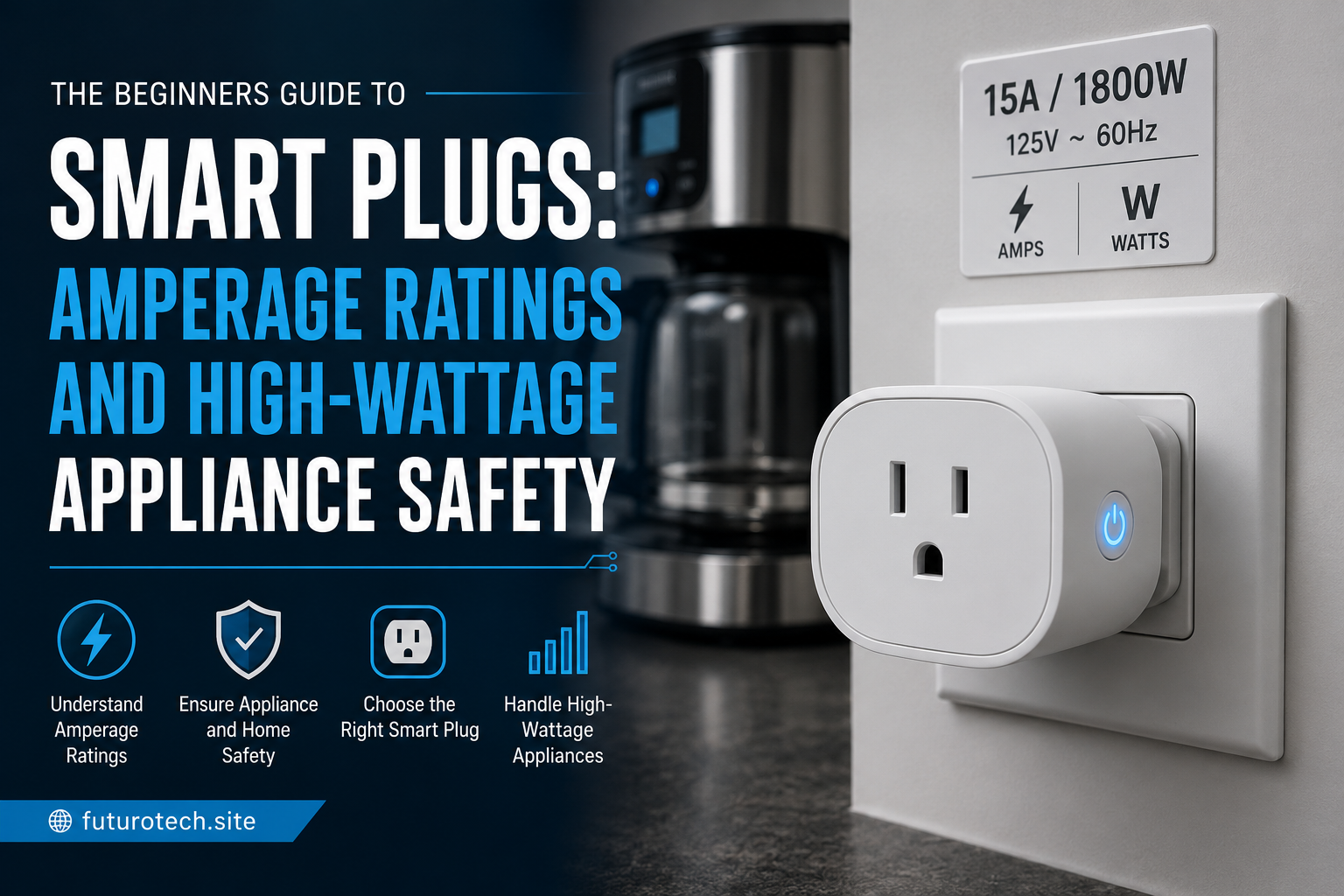
Holiday lights usually use low power, but it is still important to know your limits.
Check the total power draw if you are connecting multiple strands or decorations.
Do not assume that because something plugs in, it is automatically safe.
The smart plug has a maximum rating, and your setup should stay within that limit.
The Best Part Is Forgetting the Timer Exists
The nicest thing about automating holiday lights is that eventually you stop thinking about it.
The lights come on when they should.
They turn off when they should.
You enjoy the decoration without adding another daily chore to your routine.
That is really the magic of simple automation.
Not making your home feel like a science project.
Just removing those tiny tasks that nobody wants to keep remembering.
A smart plug might be a small device sitting behind a decoration, but during the holidays, it quietly does one of the most useful jobs in the house.