The Voice Assistant History You Probably Forgot Was Saved
Most people set up a smart speaker, use it for a few months, and completely forget that it is keeping a record of interactions.
You say:
“Set a timer.”
“Play music.”
“Turn off the lights.”
“Remind me tomorrow.”
Those commands can become part of your voice assistant history depending on your settings and the service you use.
For some people, keeping these logs is useful because it helps improve voice recognition and makes it easier to review past activity.
For others, it feels uncomfortable having months of voice interactions sitting in an account.
Deleting your voice command history is usually simple, but the exact steps depend on the assistant platform you use.
Why You Might Want to Delete Voice Command History
There are a few common reasons people clear these logs.
- You are selling or giving away a smart speaker.
- You want more control over stored activity.
- You share an account with family members.
- You are cleaning up old data.
- You do not want old commands saved indefinitely.
It is one of those settings most people ignore until they suddenly remember it exists.
Before Deleting Anything, Check What Is Actually Stored
Different voice assistants store different types of information.
It may include:
- Voice recordings.
- Text transcripts.
- Device activity.
- Smart home commands.
- Interaction timestamps.
A command history page does not always mean the same thing as a saved audio recording.
Check the privacy settings in your assistant account so you know what you are removing.
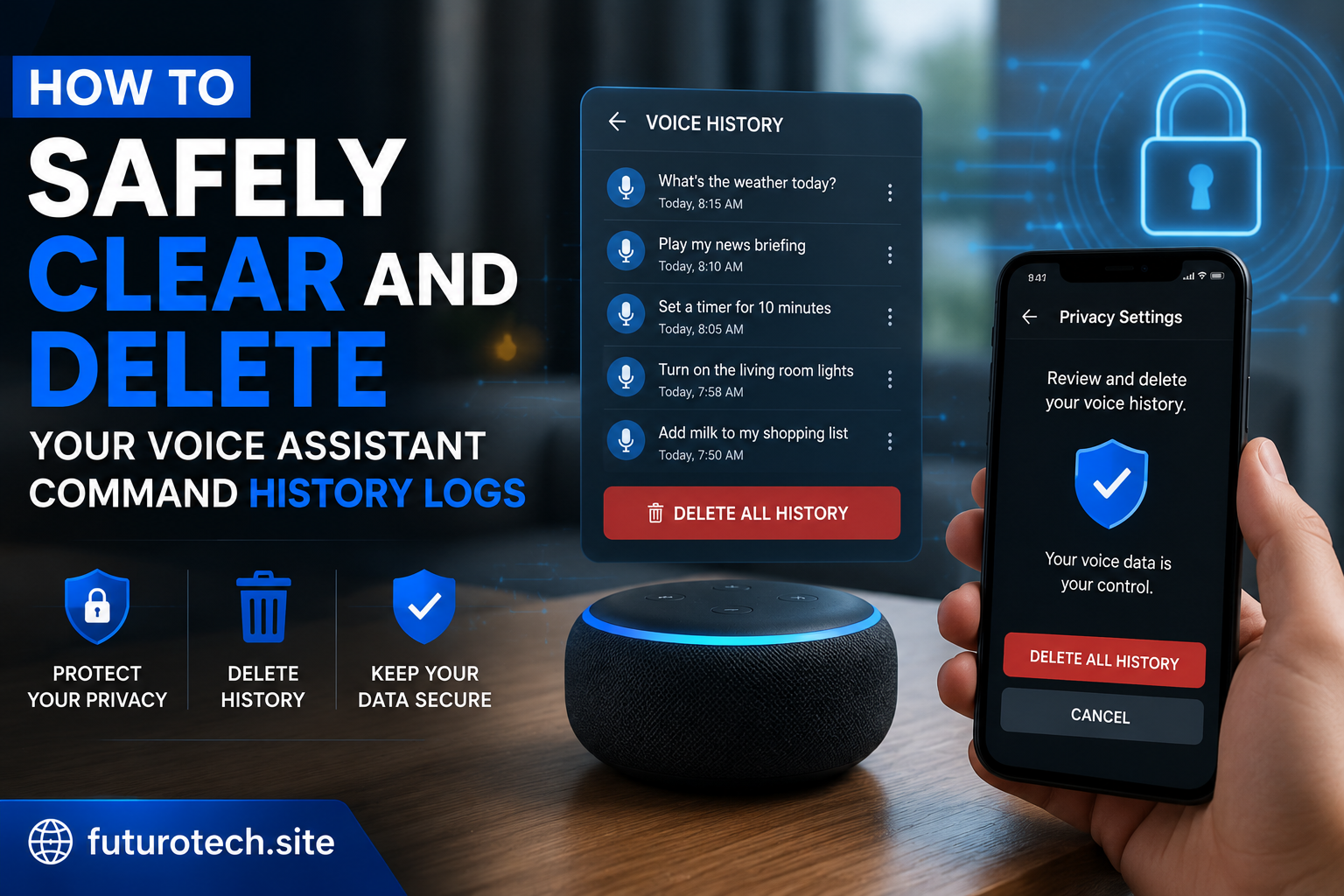
Deleting Voice History From a Smart Assistant Account
Most platforms follow a similar process:
- Open the assistant’s mobile app or account page.
- Go to privacy or activity settings.
- Find voice history or saved interactions.
- Select the history you want removed.
- Confirm deletion.
The wording changes between services, but the idea is usually the same.
Remove Individual Voice Commands When You Only Want Specific Items Gone
Sometimes you do not want to erase everything.
Maybe there are only a few old commands you want removed.
Many assistants allow you to delete individual entries instead of clearing the entire history.
This is useful if you want to keep useful activity while removing specific interactions.
Clear All Voice History When Starting Fresh
A full cleanup removes your saved voice activity from the account history.
This is the option people usually choose when:
- Moving to a new home.
- Changing accounts.
- Giving away devices.
- Doing a privacy cleanup.
Just remember that deleting history usually cannot be undone.
Turn Off Future Voice History Saving
Deleting old data only handles the past.
If you do not want new activity stored, check whether your assistant has a setting to pause or disable voice history saving.
Depending on the service, this may affect:
- Personalization features.
- Voice recognition improvements.
- Activity recommendations.
It is a trade-off between convenience and control.
Check Shared Devices and Shared Accounts
This is an easy thing to miss.
If multiple people use the same smart speaker account, your history may include everyone’s commands.
You may want to:
- Review account sharing.
- Create separate profiles.
- Enable voice recognition features if available.
A smart speaker in a shared home can collect a lot of different interactions over time.
Do Not Forget About the Mobile App
Deleting voice history from the assistant account does not always remove everything stored locally.
Check:
- The assistant app cache.
- Saved activity inside the app.
- Connected smart home services.
The exact cleanup options depend on the device and platform.
Reset Smart Speakers Before Giving Them Away
Deleting voice history is only one part of preparing a smart speaker for another person.
If you are selling or giving away a device:
- Remove it from your account.
- Factory reset the speaker.
- Disconnect linked services.
- Remove saved Wi-Fi details if applicable.
This prevents the new owner from accessing your connected setup.
Common Mistakes When Clearing Voice History
Deleting the Wrong Account
Some people have multiple accounts and clear activity from the wrong one.
Double-check before confirming.
Assuming the Device Forgot Everything
Removing history from your account and resetting the physical device are different things.
Ignoring Connected Smart Home Services
Your voice assistant may still be linked to lights, plugs, cameras, or other devices.
Make Voice Assistant Privacy Checks a Regular Habit
You do not need to obsess over settings every week.
But checking your privacy controls occasionally is a good habit.
Technology changes.
New devices get added.
More people start using the system.
A quick review keeps your smart home aligned with what you are comfortable sharing.
A Smart Speaker Should Work for You, Not Surprise You
Voice assistants are convenient because they remember things and respond quickly.
But convenience does not mean you should ignore what information is being stored.
Taking a few minutes to review and clear your voice history gives you more control over the devices sitting in your home every day.
Small privacy settings can make a big difference.