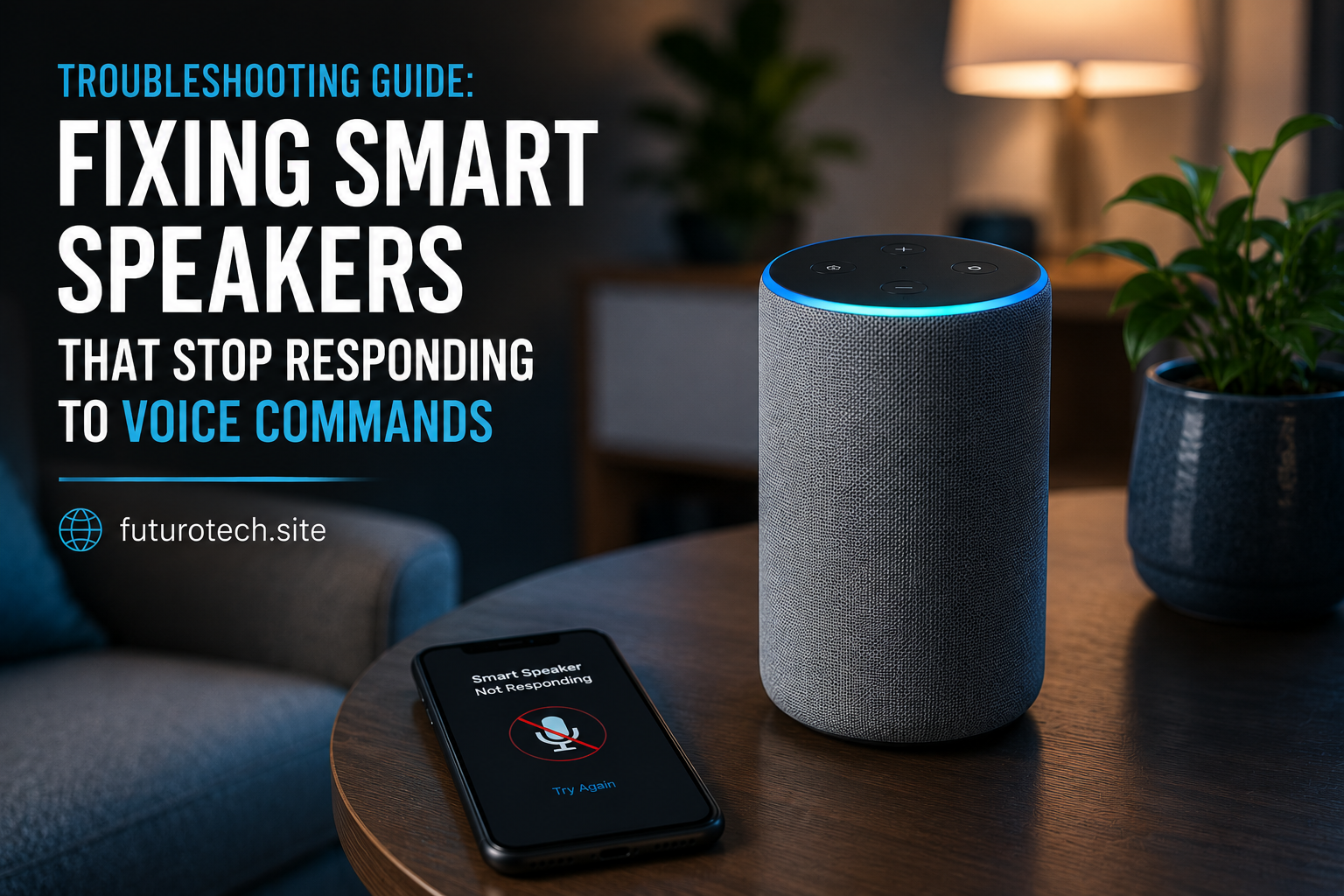
Troubleshooting Guide: Fixing Smart Speakers That Stop Responding to Voice Commands

Nothing Tests Your Patience Quite Like a Smart Speaker Ignoring You
There’s a very specific kind of frustration that comes from standing in your kitchen, asking your smart speaker a simple question, and getting absolutely nothing in return.
Not even an error message.
Just silence.
The first time it happened to me, I repeated the command louder. Then slower. Then louder again, which, if we’re being honest, probably wasn’t helping anyone involved.
Smart speakers are supposed to make life easier. That’s the whole point. So when they suddenly stop responding to voice commands, it feels like a betrayal of the tiny convenience we’ve come to depend on.
The good news is that most voice recognition issues are surprisingly fixable. Before assuming your device is broken, it’s worth working through a few common causes.
Start With the Obvious Stuff First
I know. Nobody likes hearing this.
But the simplest explanation is often the right one.
Check whether the microphone has accidentally been muted.
Many smart speakers include a physical microphone button that disables voice listening entirely. Sometimes it gets pressed without anyone noticing. Sometimes a curious child finds it. Sometimes you hit it yourself while cleaning and completely forget.
Look for a microphone indicator light or mute symbol on the device.
If the microphone is disabled, turning it back on might solve the entire problem in less than ten seconds.
Not exactly exciting troubleshooting, but a win is a win.
Make Sure the Device Is Actually Connected to the Internet
A surprising number of voice command failures have nothing to do with voice recognition.
The speaker hears you perfectly.
It just can’t reach the cloud services needed to process the request.
Check whether your Wi-Fi connection is working properly.
Try opening a website on another device connected to the same network. If pages are loading slowly or not loading at all, the issue may be network-related rather than speaker-related.
Even a brief internet outage can make a smart speaker appear completely unresponsive.
Sometimes the device reconnects automatically. Sometimes it needs a little encouragement.
Restart the Smart Speaker Before Doing Anything Drastic
There’s a reason technical support keeps recommending restarts.
Because they work.
Not always. But often enough that it’s worth trying early.
Unplug the smart speaker, wait about thirty seconds, and plug it back in.
Give it a few minutes to reconnect fully before testing voice commands again.
I’ve fixed more smart home issues with a simple restart than I’d care to admit.
Part of me wishes there were a more impressive solution. There usually isn’t.
Background Noise Can Confuse Voice Recognition
Smart speakers are remarkably good at hearing us.
Until they aren’t.
If your device sits near a television, fan, air conditioner, blender, washing machine, or another constant noise source, voice detection accuracy can drop significantly.
This tends to happen gradually, which makes it harder to notice.
Maybe the speaker worked perfectly when you first installed it. Then furniture moved. A new appliance arrived. The room changed.
Try speaking closer to the device or temporarily reducing background noise to see whether response quality improves.
Sometimes the problem isn’t the speaker at all. It’s the environment around it.
Check Whether the Wake Word Is Being Recognized
Many people focus on the command itself and overlook the wake word.
If the speaker isn’t consistently detecting its activation phrase, every command that follows is irrelevant because the device never enters listening mode.
Pay attention to indicator lights or sounds when saying the wake word.
If nothing happens, the speaker may be struggling to recognize the activation phrase rather than the actual request.
Speaking naturally usually works best.
Oddly enough, over-enunciating every syllable can sometimes make recognition worse rather than better.
Update the Device Software
Software updates are one of those things everyone postpones until something breaks.
Then suddenly they become very important.
Most smart speakers update automatically, but not always.
Open the companion app and check whether updates are available for the device.
Updates often include:
- Voice recognition improvements.
- Bug fixes.
- Connectivity enhancements.
- Performance optimizations.
- Compatibility updates.
A device running outdated software may struggle with services that have evolved since the last update.
Review Account and Permission Settings
This is one of those troubleshooting steps people rarely think about.
If account permissions change, services disconnect, or linked profiles encounter authentication issues, voice commands can stop working properly.
Open the companion app and verify:
- Your account is still signed in.
- Voice assistant services remain enabled.
- Linked smart home devices are connected.
- Permissions have not been revoked.
- User profiles are functioning correctly.
It doesn’t happen often, but when it does, the symptoms can look remarkably similar to a hardware failure.
Voice Recognition Profiles May Need Retraining
If your smart speaker recognizes some users but struggles with others, voice profile data may need updating.
Many platforms learn speech patterns over time.
Changes in voice, accents, speaking habits, or even microphone placement can affect recognition accuracy.
Retraining a voice profile takes only a few minutes and can significantly improve responsiveness.
It feels a little strange reading sample phrases aloud to a machine, but if it solves the problem, it’s worth the temporary awkwardness.
Wi-Fi Signal Strength Matters More Than People Realize
Not all internet problems come from your service provider.
Sometimes the connection is technically active but weak enough to cause intermittent communication issues.
If your smart speaker sits far from the router, behind thick walls, or in an area with signal interference, responsiveness may become inconsistent.
A command works one minute and fails the next.
Those are often the most frustrating problems because they appear random.
Checking signal strength or moving the speaker closer to the router can reveal whether connectivity is the real culprit.
Factory Reset Should Be the Last Resort
When all else fails, a factory reset may help.
Notice I said “last resort.”
Resetting wipes settings, removes custom configurations, and requires rebuilding parts of your setup from scratch.
It’s effective, but it’s also inconvenient.
Before resetting, make sure you’ve exhausted simpler solutions first.
In many cases, the issue turns out to be a network problem, software glitch, or account synchronization issue that can be resolved without starting over completely.
Most Smart Speakers Aren’t Broken—They’re Just Stuck
The reassuring thing about voice command failures is that genuine hardware defects are less common than people think.
Most smart speakers that stop responding are dealing with connectivity issues, software hiccups, microphone settings, or account-related problems.
Annoying? Absolutely.
Permanent? Usually not.
A little systematic troubleshooting often brings everything back to normal faster than expected.
And when that familiar voice finally responds again after twenty minutes of silence, there’s a strange sense of victory that probably shouldn’t feel as satisfying as it does.
Yet somehow, every smart home owner knows exactly what I mean.