The First Time I Tried Whole-House Announcements, It Felt Like a Small Superpower
I remember the first time I sent an announcement through multiple speakers around the house. It was something simple, just a quick message, but hearing it play in different rooms at the same time felt oddly impressive.
No shouting from one room to another.
No walking around trying to find everyone.
Just one message reaching the entire house.
That’s the part people love about smart home broadcasting. It takes something completely normal, like saying “dinner is ready” or “I’m leaving now,” and turns it into a small convenience that you actually use.
Setting it up sounds complicated at first because there are different devices, apps, and settings involved. But once you understand the basic idea, the process is much simpler than it looks.
What a Whole-House Broadcaster Setup Actually Does
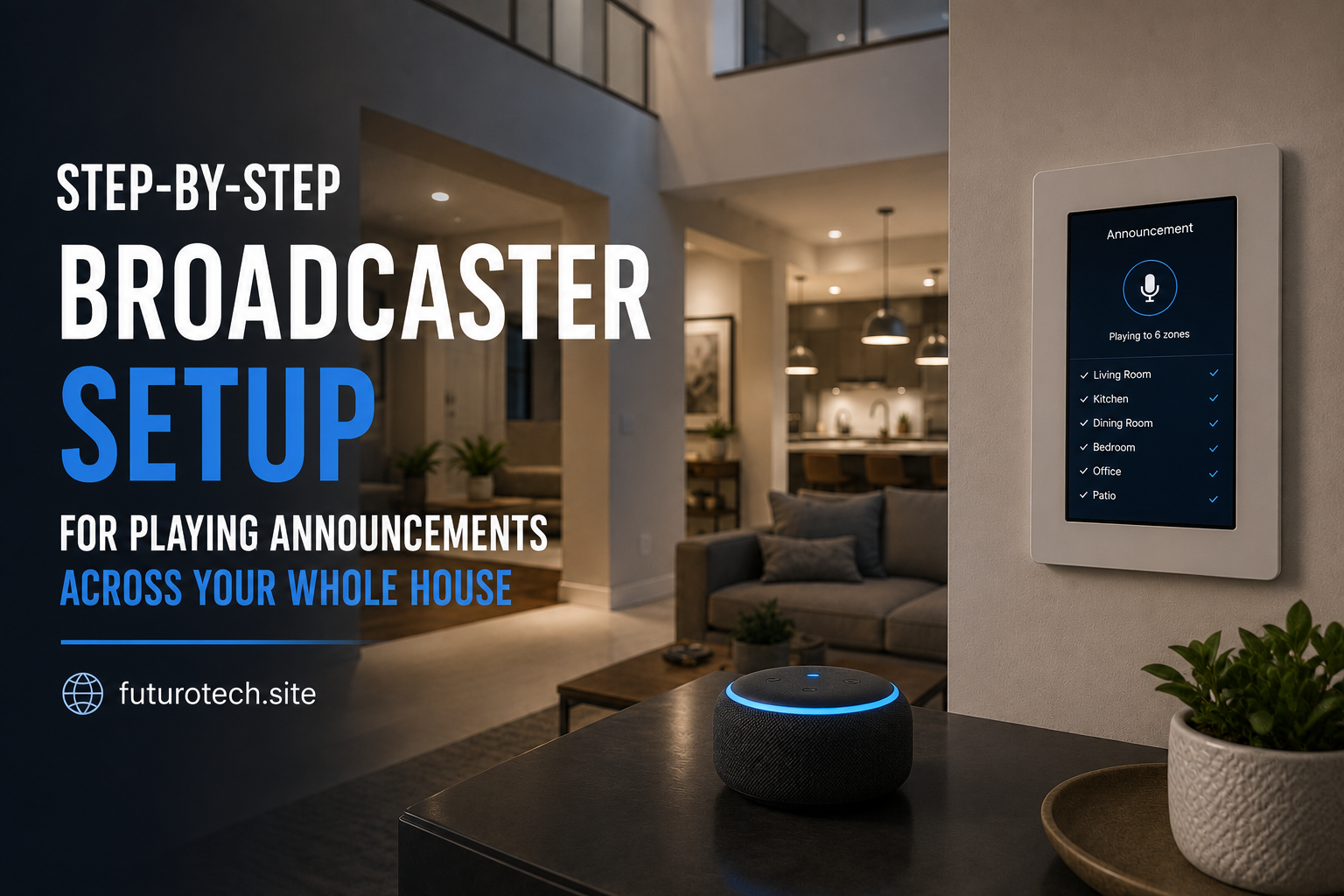
A broadcaster setup allows you to send voice messages, alerts, or announcements through multiple smart speakers or compatible devices around your home.
Instead of speaking to one speaker, your message is distributed across several locations.
For example:
- Reminding everyone that it’s time to leave.
- Calling family members for dinner.
- Announcing deliveries.
- Sharing emergency reminders.
- Sending quick updates without yelling.
The magic is not really the technology itself.
It’s removing those tiny daily annoyances that happen in every household.
Choose the Devices You Want to Include
Before creating announcements, decide where you want them to play.
You might have:
- Smart speakers in bedrooms.
- A speaker in the kitchen.
- A smart display in the living room.
- Compatible devices in an office or workspace.
The important thing is making sure all devices are connected to the same smart home ecosystem.
Mixing different brands is possible in some cases, but it can make things more complicated.
A smoother setup usually happens when your speakers already communicate through the same platform.
Connect Every Speaker to the Same Account
This step is easy to overlook.
A speaker might be physically in the house, connected to Wi-Fi, and working perfectly, but still not appear as an available broadcast device.
Why?
Because it may be linked to a different account or household profile.
Check that every speaker:
- Uses the same smart home account.
- Appears inside the same home or household.
- Has a clear room assignment.
- Is online and responding.
A little organization here prevents a lot of confusion later.
Name Your Devices Clearly Before Creating Broadcasts
This seems like a boring setup task.
It also saves headaches.
Give each speaker a name based on its location.
Examples:
- Kitchen Speaker.
- Upstairs Bedroom.
- Office Speaker.
- Living Room Display.
Avoid names that only make sense to you at the moment.
Six months later, “Speaker 2” is not going to be helpful.
Good naming makes managing announcements much easier.
Create Your First Broadcast Message
Now comes the fun part.
Most smart home platforms have a broadcast, announcement, or intercom feature built into their voice assistant tools.
The general process usually looks like this:
- Open the smart home or assistant app.
- Find communication or announcement features.
- Select broadcast or whole-home announcement.
- Record or type your message.
- Choose the target speakers.
- Send the announcement.
Your first test message should be something simple.
Something like:
“Testing the house announcement system.”
Not exciting, but practical.
There is nothing worse than creating a dramatic announcement and discovering half the speakers never received it.
Set Up Scheduled Announcements
Once manual announcements work, you can start automating them.
Scheduled broadcasts are where things get really useful.
You can create reminders for:
- Morning routines.
- School departure times.
- Work schedules.
- Medication reminders.
- Security alerts.
For example, a simple morning announcement might say:
“Good morning. The weather is clear today. Don’t forget your meeting at 10.”
Small thing.
But when your home handles those reminders automatically, it feels surprisingly helpful.
Add Announcements to Smart Home Automations
Broadcasts become even more powerful when they are connected to other events.
You can trigger announcements when something happens.
Examples:
- A motion sensor detects movement.
- A smart door opens.
- A security system changes status.
- A timer finishes.
- A smart button is pressed.
Imagine a door sensor triggering:
“Front door opened.”
Or a laundry reminder announcing:
“The washing machine cycle is complete.”
These are small moments where automation actually feels useful instead of just being a cool gadget.
Fixing Common Broadcast Problems
Like most smart home setups, the first version may not be perfect.
Common problems include:
One Speaker Does Not Receive Announcements
Check whether the device is online and assigned to the correct home.
Sometimes removing and adding the speaker again fixes connection issues.
The Announcement Volume Is Too Low
Some speakers use their current volume setting for broadcasts.
Adjust volume levels and test again.
The Wrong Room Plays the Message
This is usually a naming or grouping issue.
Review your device names and room assignments.
Think About When Broadcasts Should Not Happen
This is something people often discover after setting everything up.
Constant announcements can become annoying quickly.
A smart home should reduce interruptions, not create more of them.
Avoid scheduling unnecessary messages during:
- Late-night hours.
- Quiet times.
- Important meetings.
- Moments when people need privacy.
The best announcements are the ones that genuinely help.
Making Your House Feel More Connected
A whole-house broadcaster setup is not about showing off technology.
At least, it doesn’t have to be.
The real benefit is communication becoming easier.
A quick reminder reaches everyone. A safety alert gets noticed. A small daily task becomes automatic.
The technology disappears into the background, which is usually when smart home features are working best.
Once you experience a house that can quietly communicate with itself, going back to shouting across rooms feels surprisingly old-fashioned.