The Smart Speaker Feature That Made Me Double-Check My Settings
Smart speakers are great at making life easier.
You can ask for the weather, set reminders, control lights, play music, and get quick answers without touching your phone.
But then there is the shopping side of things.
The idea that a speaker sitting on your kitchen counter could potentially place an order online is convenient in theory. In reality, it can also make you pause for a second and think, “Wait… how much control does this thing actually have?”
That little moment of doubt is exactly why purchase settings are worth checking.
Most smart speakers are not randomly buying things without permission, but the safest approach is to understand the settings and lock down anything you do not want enabled.
Why Disable Voice Purchases in the First Place?
Voice shopping sounds futuristic, but it is not always practical for every household.
There are a few reasons people choose to restrict it:
- Children might accidentally place orders.
- Guests may use the speaker without realizing purchases are enabled.
- Voice recognition is not always perfect.
- You prefer approving purchases manually.
- You want fewer connected services accessing payment information.
For many people, opening an app and confirming a purchase feels like a better safety check.
A few extra seconds is worth the peace of mind.
Check Which Smart Speaker Account Is Connected
Before changing settings, check the account connected to your speaker.
This is easy to overlook, especially if multiple people use the same device.
Make sure you know:
- Which account is signed in.
- Which payment methods are saved.
- Which users have access.
- Whether voice profiles are enabled.
A speaker is only as secure as the account behind it.
Turn Off Voice Purchasing Through the Smart Speaker App
Most smart speaker platforms include shopping controls inside their mobile apps.
The exact menu names vary, but the general process usually looks like this:
- Open the smart speaker app.
- Go to settings.
- Find purchasing, shopping, or voice order settings.
- Disable voice purchases.
Once disabled, the speaker may still answer shopping-related questions, but it will no longer be able to complete purchases through voice commands.
Add a Purchase Confirmation Step Instead
Some people do not want to completely remove voice shopping.
They just want another layer before anything is bought.
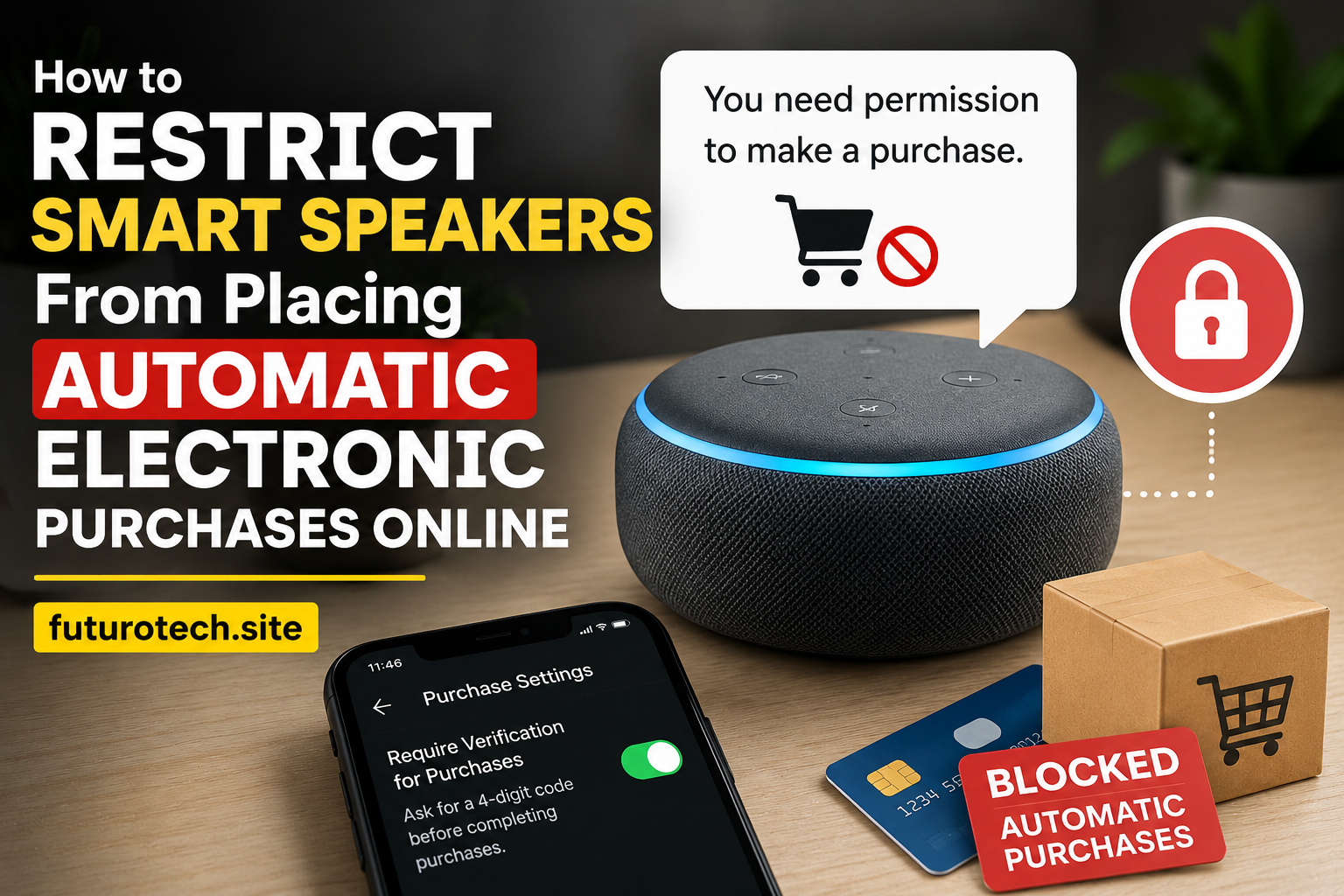
A purchase confirmation setting can require extra approval before an order goes through.
This is a nice middle option because you keep the convenience without leaving the door wide open.
Think of it like having a second lock on the door.
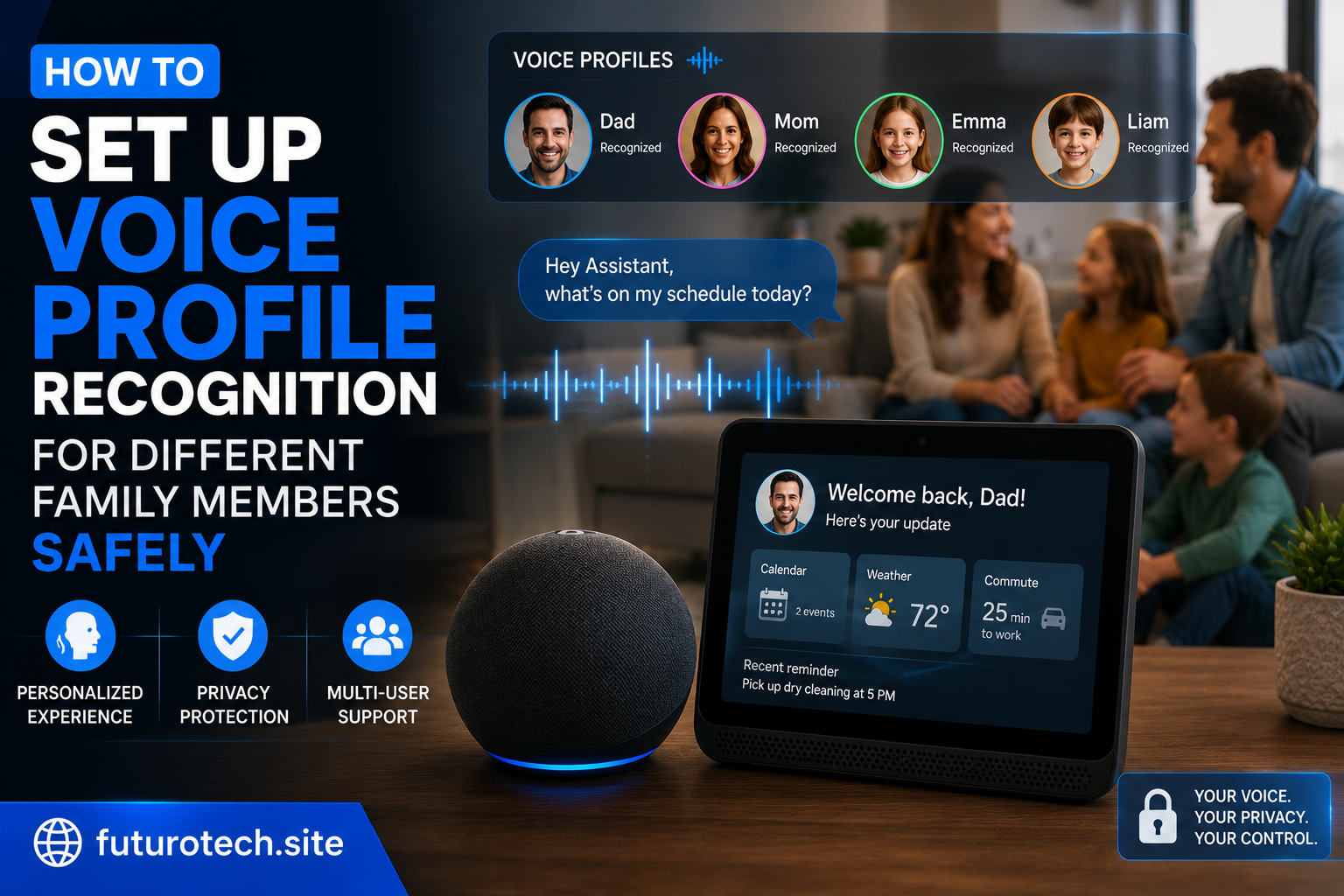
Use a Voice Recognition Profile If Available
Many smart speakers support voice recognition features.
These systems try to identify who is speaking and personalize responses.
While they are not perfect, they can help separate users and reduce accidental access.
Setting up voice profiles may help with:
- Personalized information.
- Account separation.
- Better control over who can access certain features.
It is worth remembering that voice recognition is a convenience feature, not a replacement for strong security settings.
Remove Saved Payment Methods You Do Not Need
This is one of the simplest security improvements.
If a service does not need your payment information stored, removing it reduces the number of ways something can go wrong.
Review:
- Saved cards.
- Shopping accounts.
- Connected marketplaces.
- Stored billing information.
A little account cleanup goes a long way.
Create Separate User Accounts for Family Members
Sharing one account between everyone in the house can create messy situations.
One person changes a setting.
Another person assumes something works differently.
Someone accidentally triggers something they did not mean to.
Separate profiles, when supported, make it easier to control access and keep personal settings organized.
Review Connected Apps and Services
Smart speakers often connect with more than just the default features.
Over time, you may link:
- Shopping services.
- Smart home platforms.
- Third-party apps.
- Entertainment accounts.
Every connection adds another piece to manage.
Remove services you no longer use.
Old connections are easy to forget and can create unnecessary exposure.
Teach Everyone in the Home What the Speaker Can Do
This sounds obvious, but it matters.
A lot of accidental smart home problems happen because someone simply does not know what a device is capable of.
A child asking a funny question can accidentally become a real command.
A guest might assume the speaker is only for music.
A quick explanation prevents a lot of confusion.
Keep the Smart Speaker Software Updated
Updates are not only about adding new features.
They often include security improvements and bug fixes.
Keeping your speaker and mobile app updated helps ensure you are using the latest protections available.
Think of Your Smart Speaker Like Any Other Connected Account
The biggest mistake people make with smart home devices is treating them like simple gadgets.
They are not just speakers.
They are connected devices tied to accounts, apps, personal information, and sometimes payment methods.
A few minutes spent reviewing settings can prevent a lot of unnecessary stress later.
The Best Smart Home Setup Is the One You Feel Comfortable Using
Convenience is the whole reason we buy smart speakers.
Nobody wants to spend all day worrying about settings.
But there is a difference between enjoying automation and giving up control.
Disabling automatic purchases, adding confirmations, and reviewing account permissions lets you keep the useful parts of a smart speaker without the uncomfortable surprises.
The goal is simple:
Make your devices work for you, not leave you wondering what they might do next.