The First Time I Made One Voice Command Do Everything
I used to think smart home routines were mostly a gimmick.
Turn on a light. Play a song. Set a timer. Fine.
Useful, but not exactly life-changing.
Then I created a custom voice command that handled several things at once, and that was the moment it finally clicked.
Instead of walking around the house doing five tiny tasks, I could say one phrase and let the system handle the boring stuff.
Lights changed.
Music started.
Devices switched states.
The whole room changed without me touching anything.
That is really where smart home automation becomes interesting. Not because a device can do one thing, but because multiple small actions can happen together.
Understand What a Custom Voice Command Actually Does
A custom voice command is basically a shortcut for a group of actions.
Instead of saying:
- Turn off the lights.
- Start the fan.
- Play relaxing music.
- Set the thermostat.
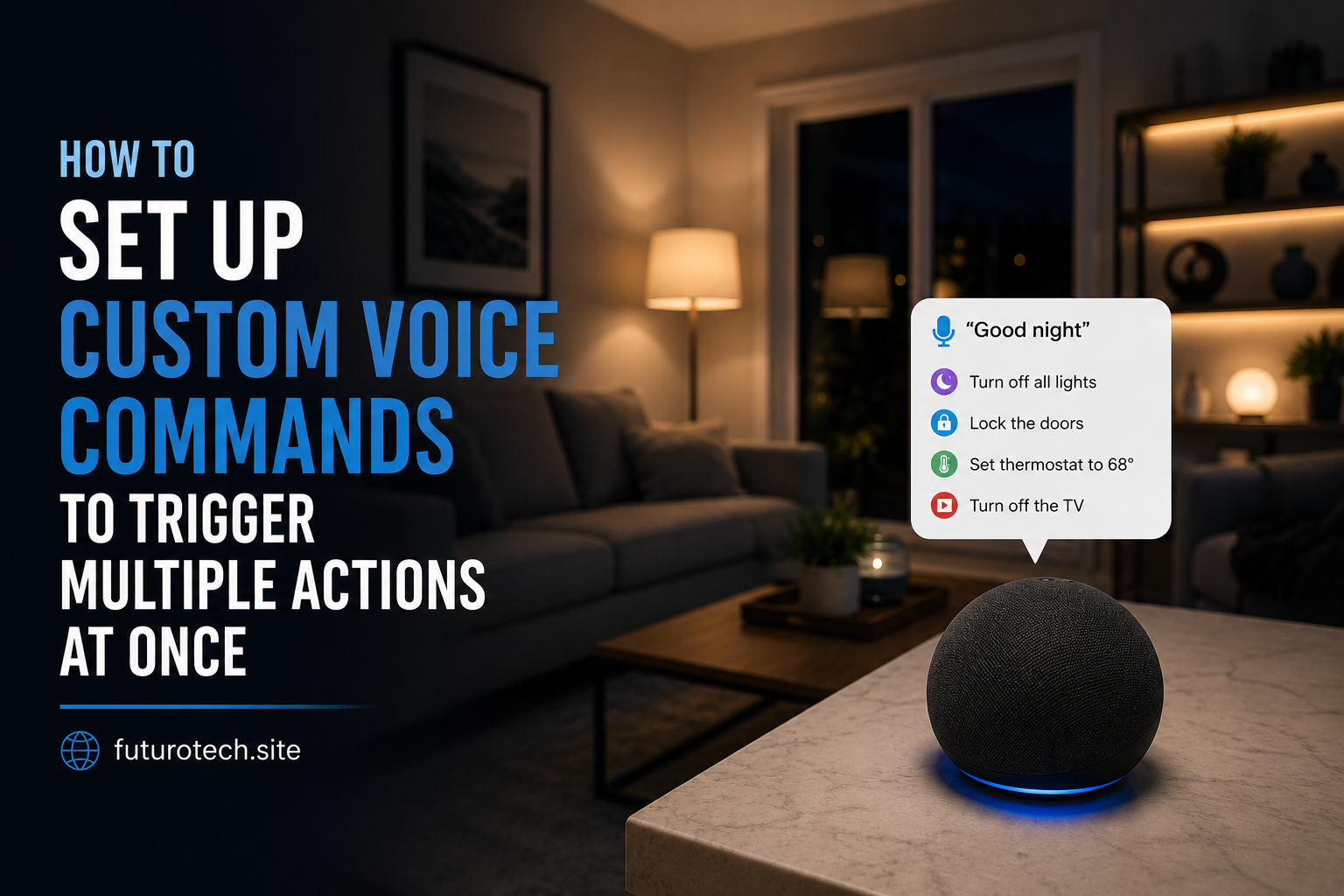
You create one command:
“Good night.”
The assistant recognizes the phrase and runs everything connected to that routine.
It is less about talking to a device and more about creating habits your home understands.
Start by Choosing a Routine That Actually Makes Sense
This is where people sometimes go wrong.
They try to automate everything immediately.
Five minutes later they have a complicated routine they never use.
Start with something you already do regularly.
Good examples:
- Morning wake-up routine.
- Leaving the house.
- Movie night setup.
- Bedtime routine.
- Work-from-home start routine.
The best automation usually replaces something repetitive.
Open Your Smart Assistant App and Find Routines
Most smart assistant platforms include a routine or automation section.
The general setup usually looks like this:
- Open the smart assistant mobile app.
- Go to automation or routines.
- Create a new routine.
- Add a voice trigger.
- Add the actions you want.
The names change depending on the platform, but the idea is the same.
You are creating a chain of events.
Create a Voice Trigger That Feels Natural
The phrase matters more than people think.
A command should be something you will actually say.
Good examples:
- “Good morning.”
- “I’m leaving.”
- “Movie time.”
- “Relax mode.”
- “Start my office.”
Avoid making commands too complicated.
Nobody wants to say a full sentence every time they want the lights changed.
Add Multiple Actions Step by Step
Now comes the fun part.
Add the actions you want the assistant to perform.
Examples:
- Turn smart lights on or off.
- Adjust brightness.
- Play music.
- Start a smart plug.
- Announce reminders.
- Change smart thermostat settings.
Build it one action at a time.
It is tempting to add everything immediately, but testing smaller changes saves a lot of frustration.
Test the Routine Before Relying on It
This step sounds obvious, but it gets skipped.
After creating the routine, test it.
Say the command normally.
Not slowly.
Not like you are reading instructions.
Talk the way you actually talk.
Check:
- Did every device respond?
- Did actions happen in the correct order?
- Did anything unexpected happen?
A routine that works once is not always a routine that works reliably.
Create Different Commands for Different Parts of Your Day
Once you understand how routines work, you can create separate ones for different moments.
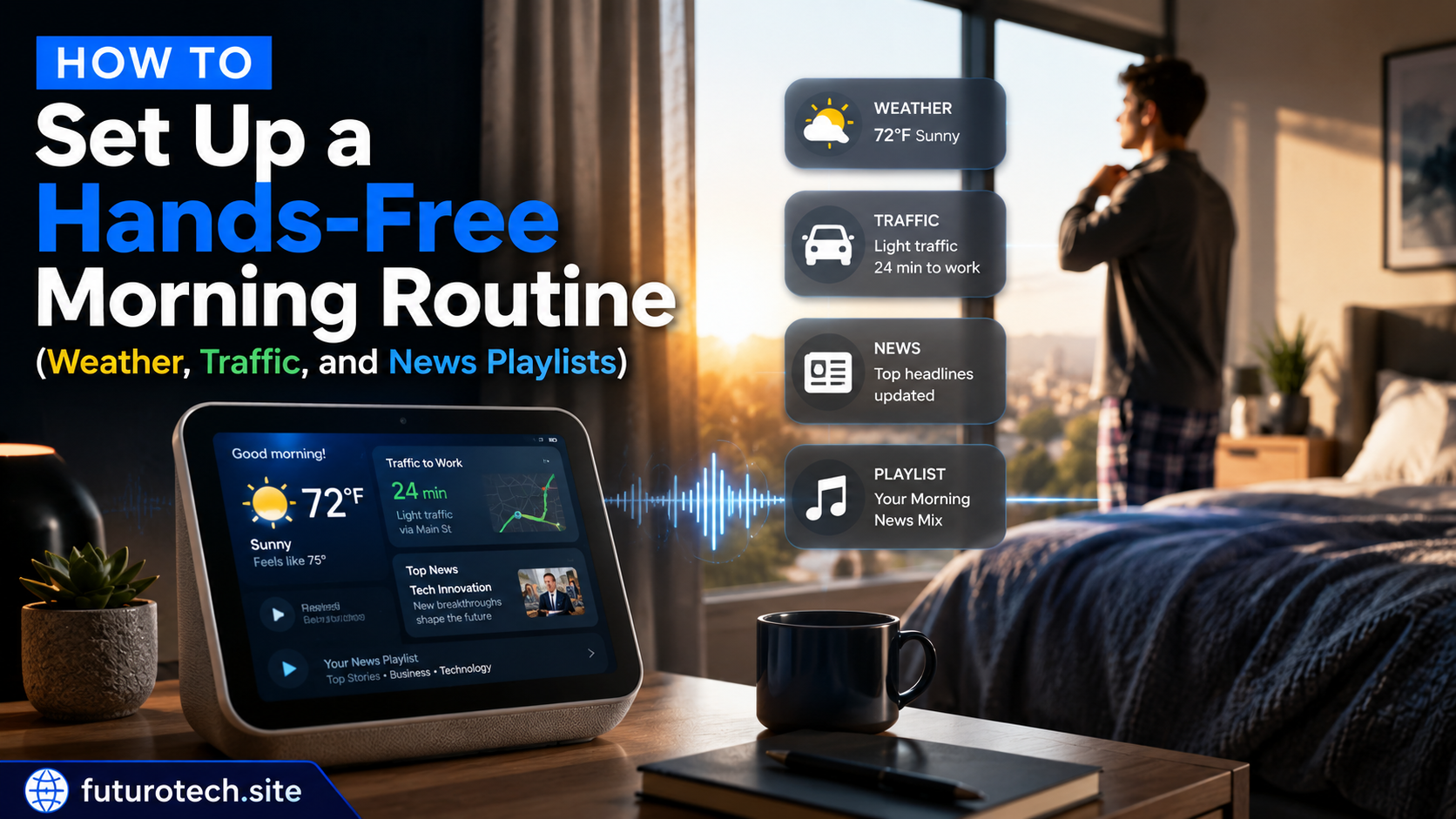
Morning Routine
A simple morning command might:
- Turn on lights.
- Read the weather.
- Play your morning playlist.
- Start a coffee-related automation.
Leaving Home Routine
A leaving command could:
- Turn off lights.
- Switch off smart plugs.
- Adjust the thermostat.
- Remind you about important items.
Night Routine
A bedtime command might:
- Dim lights.
- Turn off entertainment devices.
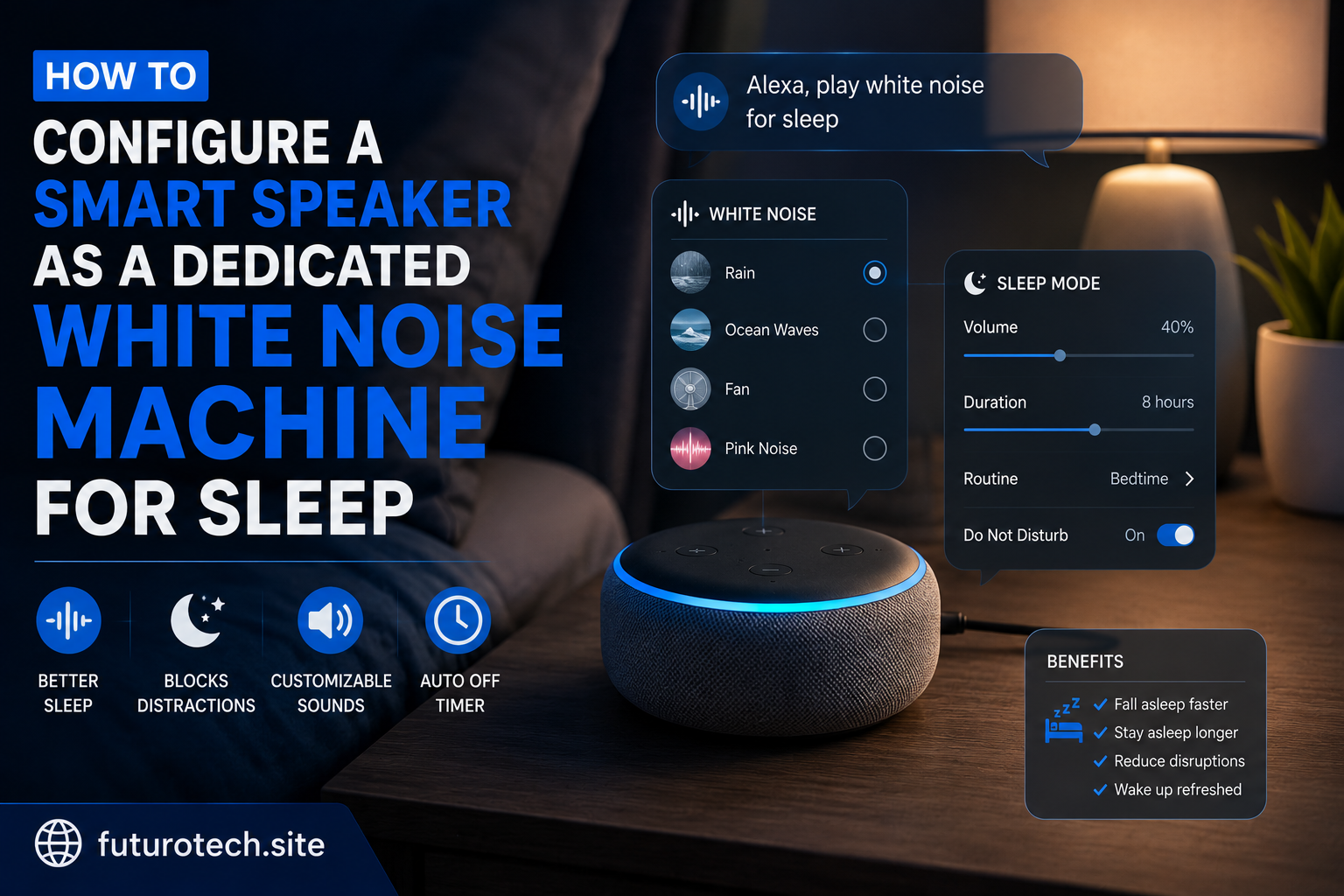
- Start white noise.
- Lock connected devices if supported.
Be Careful With Commands That Control Important Devices
Not every automation should happen instantly.
Think carefully before connecting:
- Door locks.
- Security systems.
- High-power appliances.
- Anything safety-related.
Convenience is great, but some actions deserve extra confirmation.
Use Clear Device Names Before Building Complex Routines
A messy device list creates messy automations.
Before creating lots of routines, rename devices clearly.
Instead of:
- Plug 1.
- Light 2.
- Device 3.
Use:
- Bedroom Lamp.
- Office Monitor.
- Living Room Lights.
Future you will thank you.
Fixing Common Voice Routine Problems
The Assistant Does Not Understand the Command
Try changing the phrase.
Some words sound too similar to existing commands or can be misunderstood.
One Device Does Not Respond
Check whether that device is online and still connected to your smart home system.
The Routine Works Sometimes
This is usually caused by network issues, device delays, or unreliable connections.
Try simplifying the routine and adding actions back slowly.
Do Not Automate Just Because You Can
This is the part nobody really mentions.
A smart home can become annoying if every tiny thing requires a complicated setup.
The goal is not having the most routines.
The goal is having the routines you actually enjoy using.
The Best Voice Commands Become Invisible Habits
A good automation eventually disappears into your daily life.
You stop thinking about the technology behind it.
You just say a phrase and your home responds.
That is the satisfying part.
Not the fact that a speaker understood you.
It is that a bunch of small tasks you used to repeat are now handled automatically.