The Day Everyone Started Talking to the Smart Speaker Differently
A shared smart speaker seems simple at first.
One device. One account. Everyone uses it.
Then real life happens.
Someone asks for their calendar.
Someone else asks for a playlist.
A child asks a random question.
Another family member wants personal reminders.
Suddenly the speaker needs to figure out who is actually talking.
That is where voice profile recognition becomes useful.
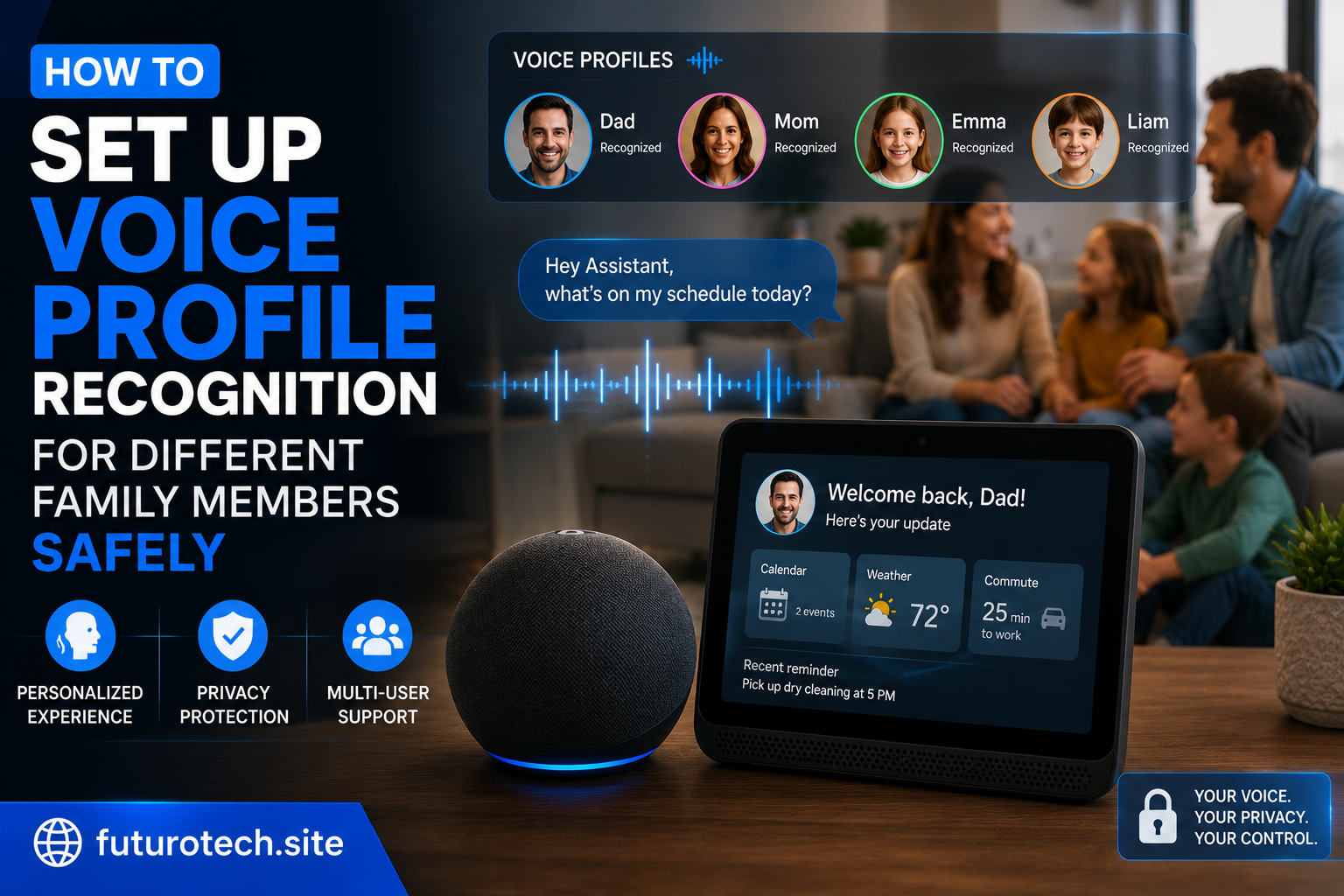
Instead of treating every voice in the house like the same person, the smart speaker can learn different users and provide more personalized responses.
But there is a part people sometimes skip: setting it up carefully.
A voice profile is convenient, but it is still a feature connected to personal information, accounts, and smart home controls. A few thoughtful settings can make the experience much better.
What Voice Profile Recognition Actually Does
Voice recognition allows a smart speaker to identify different people based on their voice patterns.
Depending on the platform, it may help with:
- Personal calendars.
- Individual music preferences.
- Personal reminders.
- Customized responses.
- Account-specific information.
The idea is simple:
The speaker tries to understand not just what was said, but who said it.
It is similar to having separate user profiles on a shared device.
Before Setting Up Profiles, Decide Who Needs Access
Not everyone in the house necessarily needs a voice profile.
Take a moment and think about who actually uses the speaker.
Possible users might include:
- Adults in the household.
- Older family members.
- Teenagers.
- Children with limited access.
The more organized you are at the beginning, the fewer confusing situations you deal with later.
Create Separate Accounts When Possible
This is one of the biggest improvements you can make.
Many households simply share one account because it is easier.
And yes, it works.
But it can also create messy situations.
One person’s calendar, purchases, contacts, or preferences can become mixed with everyone else’s.
Separate accounts or household profiles usually create cleaner boundaries.
The smart speaker can still work as a shared device while keeping personal information separated.
Start the Voice Profile Setup Process
The exact steps depend on your smart speaker brand, but the general process is usually similar.
- Open the smart speaker mobile application.
- Go to account or voice settings.
- Select voice recognition or voice profiles.
- Add a new person’s voice.
- Complete the voice training process.
During setup, the speaker usually asks the person to repeat several phrases.
Do this in a normal speaking voice.
Do not exaggerate or speak differently just because you know you are being recorded.
The system needs to learn how you normally talk.
Set Up Profiles in a Quiet Environment
This sounds obvious, but it makes a difference.
Do not create a voice profile while:
- The television is loud.
- People are talking nearby.
- Music is playing.
- There is heavy background noise.
The cleaner the setup, the better the recognition usually works.
A five-minute setup done properly is better than repeating the process later.
Test Each Person’s Profile After Setup
Do not assume it worked perfectly.
Test with normal questions.
Examples:
- Ask for a personal reminder.
- Request a favorite playlist.
- Check personalized information.
Try different speaking styles too.
People do not talk exactly the same way every time.
You want the system to recognize normal everyday speech.
Limit What Children Can Access
This is where safety matters most.
Children often interact with smart speakers naturally. They ask questions, request songs, and experiment.
That is part of the fun.
But it is worth reviewing:
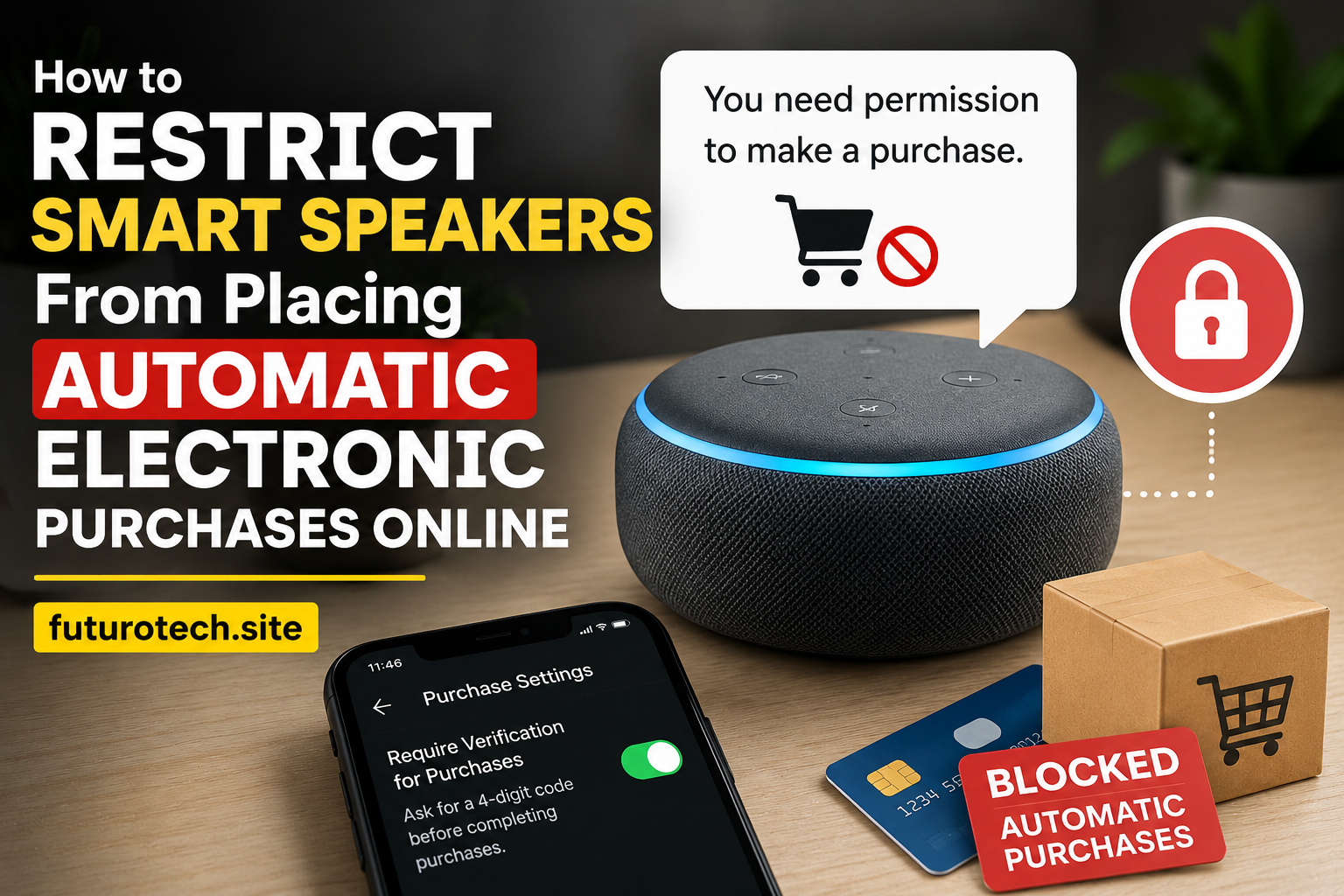
- Purchase settings.
- Content restrictions.
- Connected accounts.
- Smart home controls.
A child profile should not automatically have the same permissions as an adult account.
Review Smart Home Permissions
Voice profiles are not only about music and reminders.
They can also interact with smart home devices.
Think about what different people should be able to control.
For example:
- Lights.
- Door locks.
- Cameras.
- Security systems.
Convenience is great, but not every device needs to be available to every voice.
Do Not Treat Voice Recognition Like a Perfect Security Lock
This is an important detail.
Voice recognition is useful, but it is not the same as a password or physical key.
Voice systems can sometimes misunderstand people, especially with similar voices, background noise, or unusual situations.
Use extra protection for sensitive actions.
Things like purchases, security controls, and private account access deserve additional safeguards.
Keep Profiles Updated Over Time
People change.
Voices can change because of:
- Age.
- Illness.
- Different speaking habits.
- Long periods of not using the feature.
If recognition becomes unreliable, updating or retraining the voice profile may help.
Remove Profiles That Are No Longer Needed
This is an easy maintenance task that many people forget.
If someone moves out or stops using the device, remove old profiles.
Old access sitting around forever is unnecessary.
Make the Smart Speaker Feel Like a Family Tool, Not a Confusing Gadget
The best smart home devices are the ones everyone can use without thinking too much.
Voice profiles help with that.
Your music feels personal.
Your reminders make sense.
The speaker stops feeling like one shared account talking back to everyone.
The trick is setting it up with a little care.
A few minutes spent organizing profiles, permissions, and settings can turn a smart speaker from a basic gadget into something that actually fits the way your household works.