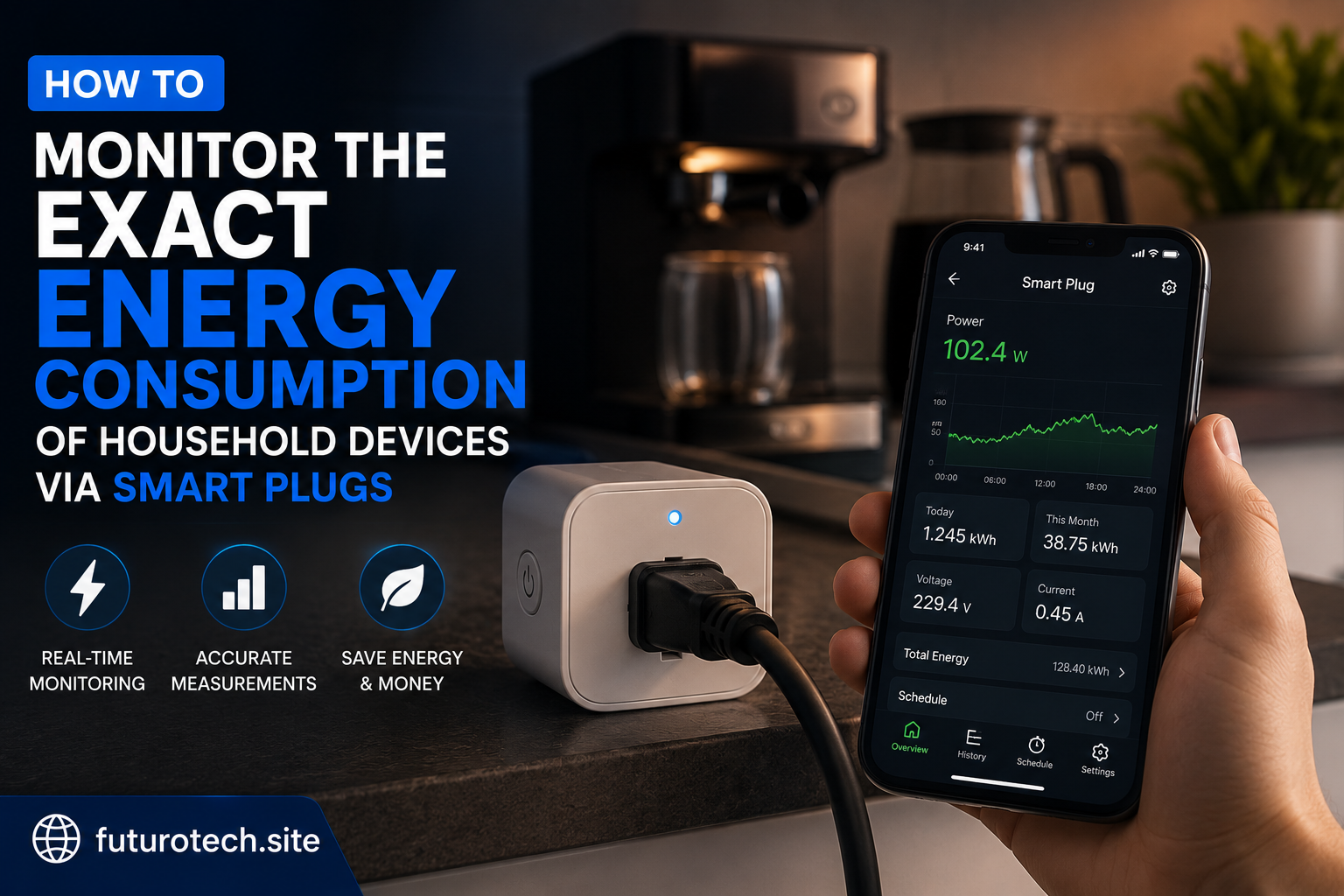
The First Time I Checked My Device Energy Usage, I Was Actually Surprised
I used to think I had a pretty good idea of what used the most electricity at home.
Big appliances, obviously.
The refrigerator. The washing machine. Maybe the air conditioner.
The small stuff sitting quietly in the corner? I barely thought about it.
Then I started checking energy usage through smart plugs, and honestly, the numbers were more interesting than I expected.
Some devices barely used anything.
Others were sitting there pulling power for hours without doing much at all.
That is the thing about electricity. You cannot see it happening, so it is easy to ignore.
A smart plug with energy monitoring gives you a window into what is actually happening behind the scenes.
What Energy Monitoring Smart Plugs Actually Measure
A regular smart plug lets you turn devices on and off remotely.
An energy monitoring smart plug goes one step further.
It measures electrical usage and reports the data back to the mobile app.
Depending on the model, you may see information such as:
- Current power usage in watts.
- Total energy consumption over time.
- Daily or monthly usage history.
- Estimated electricity costs.
- Usage patterns throughout the day.
Instead of guessing whether a device uses a lot of energy, you can actually see it.
Start by Choosing the Right Devices to Monitor
The easiest mistake is trying to measure everything at once.
You end up with a mountain of data and no idea what to do with it.
Start with devices you are genuinely curious about.
Good examples include:
- Entertainment systems.
- Desktop computers.
- Gaming setups.
- Charging stations.
- Fans.
- Small kitchen appliances.
- Office equipment.
These are usually the devices where usage patterns are easiest to understand.
You might discover something obvious.
Or you might find a device you completely forgot was using power.
Set Up the Smart Plug and Connect the Device
The physical setup is straightforward.
- Plug the energy monitoring smart plug into a wall outlet.
- Connect the household device to the smart plug.
- Pair the smart plug with its mobile application.
- Confirm the device appears online.
Before collecting data, give the smart plug some time.
Energy patterns become more useful when the device has been monitored through normal daily use.
Checking after five minutes might show something, but it will not tell the full story.
Learn to Read the Numbers Without Overcomplicating Things
Energy data can look technical at first.
You might see watts, kilowatt-hours, voltage, and current.
The one most people care about is usually kilowatt-hours (kWh).
That is the measurement commonly used for electricity billing.
Watts tell you how much power a device is using right now.
Kilowatt-hours tell you how much energy it uses over time.
For example, a device using a small amount of power continuously can sometimes consume more energy than a powerful device used only briefly.
That is why leaving something plugged in all day can be surprisingly different from using it for a short period.
Look for Patterns Instead of Single Numbers
This is where the interesting stuff appears.
A single reading does not always tell the whole story.
Watch how usage changes:
- During the day.
- While the device is idle.
- During active use.
- Over several weeks.
A computer setup might use very little overnight but jump during work hours.
A television might consume small amounts in standby mode constantly.
A charger might barely register once connected without a device attached.
The pattern is usually more valuable than the individual number.
Find Hidden Standby Power Consumption
This is where smart plugs become genuinely interesting.
Many electronic devices continue drawing small amounts of power even when they appear to be turned off.
Things like:
- Game consoles.
- TV accessories.
- Speakers.
- Computer peripherals.
- Charging stations.
The amount might be small, but the device may sit in that state every day for months.
A smart plug helps you decide whether that standby usage matters enough to change.
Compare Devices Instead of Guessing
One of the most useful things about monitoring energy is comparison.
You might assume one device is the expensive one, only to discover another is quietly using more.
Try comparing:
- Old electronics versus newer models.
- Different charging setups.
- Devices used daily versus occasionally.
- Standby usage between appliances.
The results can be a little surprising.
Use Smart Plug Data to Create Better Automations
Once you understand your usage, you can start making smarter decisions.
For example:
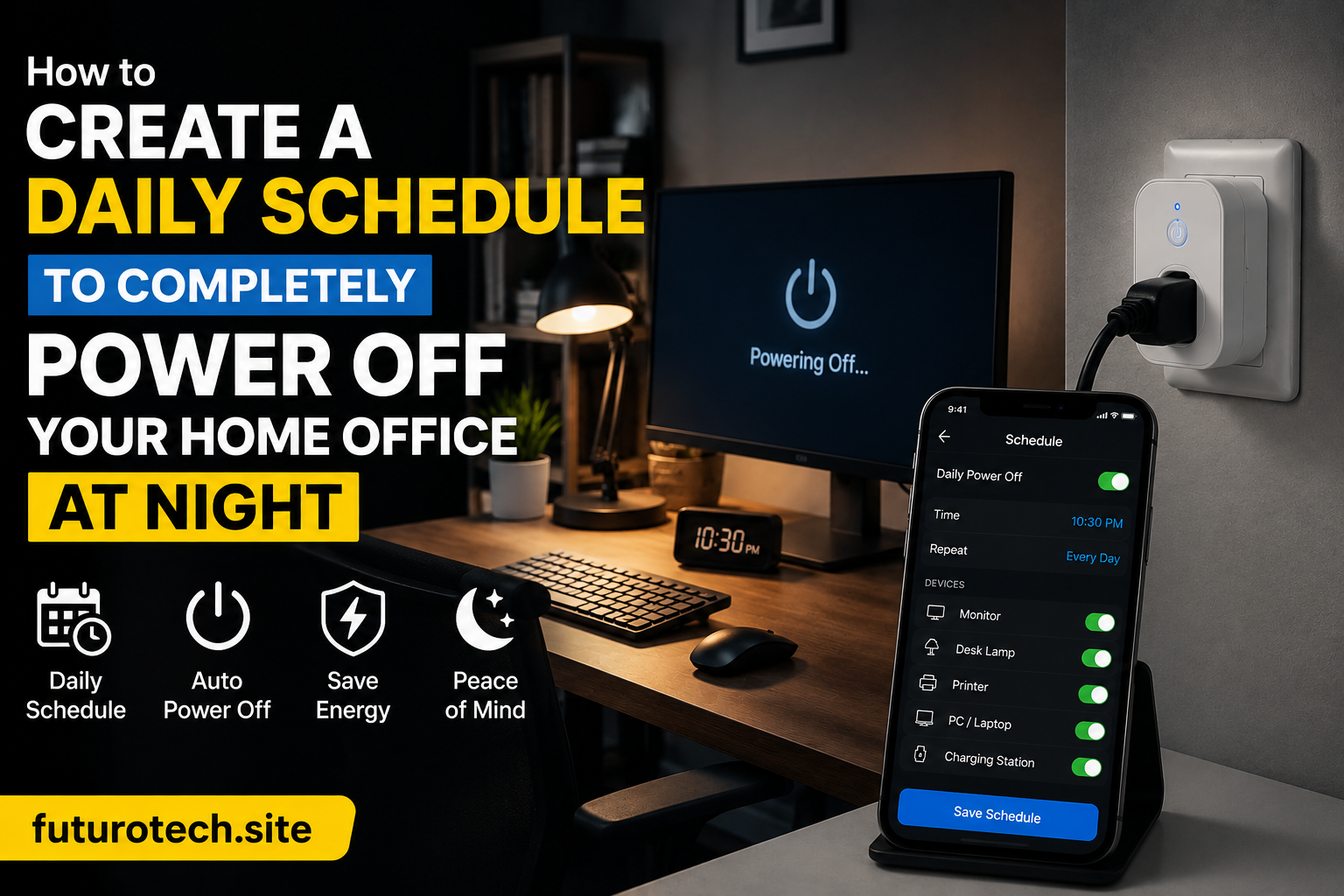
- Turn off a charging station overnight.
- Schedule office equipment shutdowns.
- Reduce unnecessary standby power.
- Create reminders based on usage habits.
The data becomes useful when it changes your behavior.
A graph sitting inside an app is interesting for a few days.
A small automation that saves you from wasting energy every night is much better.
Be Careful With What You Connect
Energy monitoring does not mean every appliance should go through a smart plug.
Always check the smart plug’s electrical limits before connecting devices.
Be especially careful with high-power appliances such as:
- Space heaters.
- Large heating devices.
- Heavy-duty equipment.
- Appliances with powerful motors.
A smart plug is a monitoring and control device, not a replacement for proper electrical safety.
Give Yourself Enough Time to Learn From the Data
The first few days are mostly curiosity.
You open the app.
You check the numbers.
You think, “Okay, that’s interesting.”
The real value comes later.
After a few weeks, you start seeing habits.
You notice which devices stay active when they should not.
You see where small changes can actually make a difference.
Smart Plugs Turn Invisible Electricity Into Something You Can Understand
Electricity has always been one of those things we use constantly but rarely think about.
A smart plug changes that.
It takes something invisible and turns it into information you can actually work with.
You stop guessing.
You stop assuming.
You start making decisions based on what is really happening in your home.
And sometimes, the biggest improvement comes from discovering the small things you never noticed were running in the first place.