
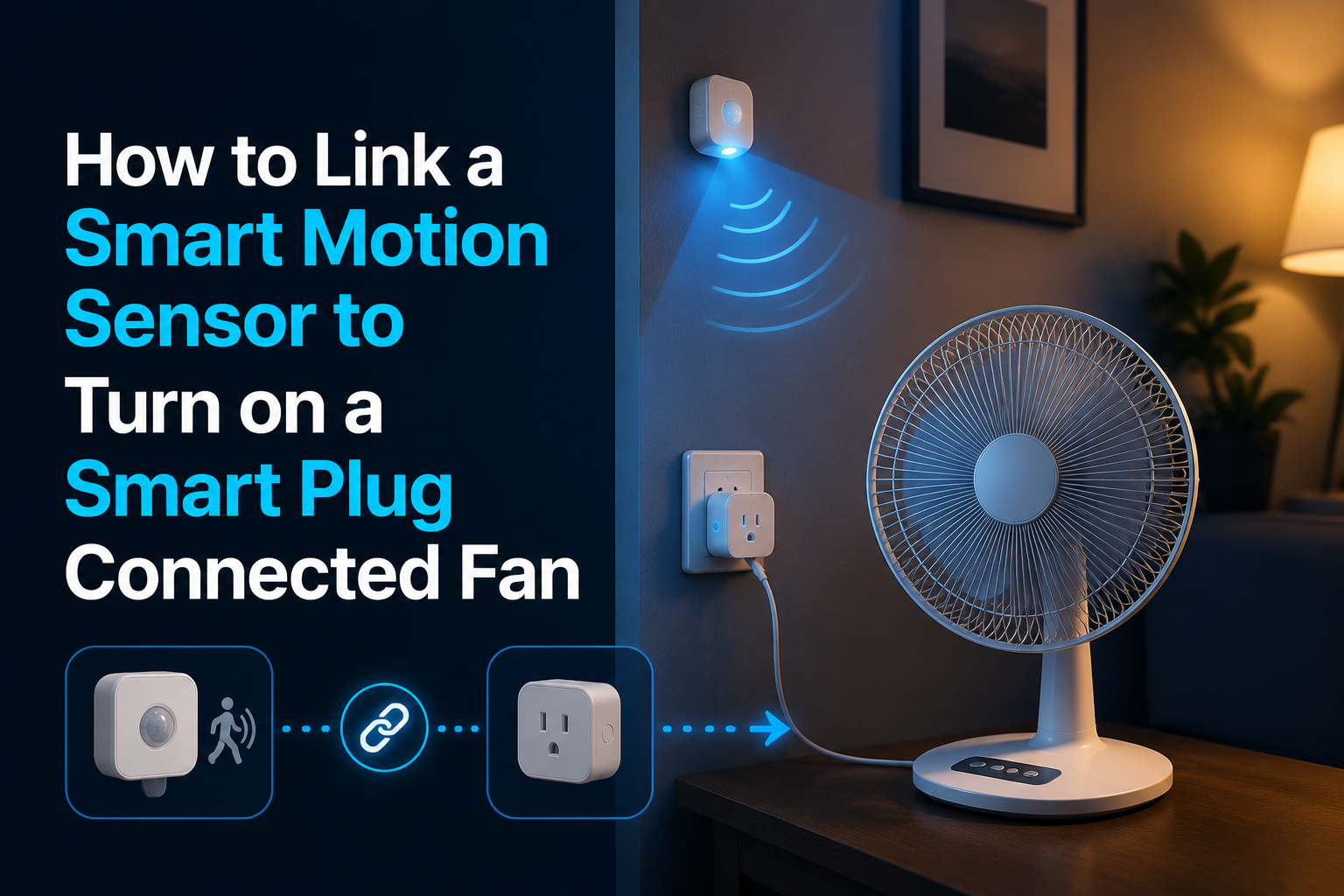
A fan that runs only when the room is occupied saves energy and noise. Pairing a motion sensor to a smart plug delivers that behavior in 15 minutes with no rewiring.
We built this exact rig in our test office bathroom and bedroom. The bathroom fan cycles around 4 times a day, totaling 35 minutes of runtime versus the previous always-on configuration.
Background and Technical Context
The automation chain is simple: motion detected -> turn plug on -> wait timeout -> if no further motion, turn plug off. The complexity lives in the timeout logic and false-trigger filtering.
- Common PIR motion sensor range: 5 to 7 meters
- Detection angle: 90 to 120 degrees typical
- Battery life: 1 to 2 years on a single CR2450 cell
- Latency from motion to plug ON: 200 to 800 ms
Pick a Motion Sensor That Fits
- Aqara P1 (Zigbee): Excellent battery life, customizable detection interval.
- Hue Motion Sensor (Zigbee): Integrates with Hue Bridge natively.
- TP-Link Kasa KE100: Thermostat-paired motion, not ideal for fan triggering.
- Ecobee SmartSensor: Occupancy plus temperature metrics.
- Generic Tuya PIR (Zigbee): Affordable choice, but firmware behavior varies.
Zigbee sensors generally beat Wi-Fi sensors on battery life and execution latency.
Platform Automation Configurations
Wire It Up in Amazon Alexa
- Open the app, navigate to Routines, and tap the plus icon.
- Under When this happens, select Smart Home, choose your motion sensor, and pick Motion Detected.
- Under Action, select Smart Home, choose the plug, and set it to Turn On.
- Add a Wait for 10 minutes delay action.
- Add a final Smart Home action to Turn plug off.
Alexa cannot directly check if motion has continued during the wait window. For that advanced logic, use Home Assistant or SmartThings.
Use SmartThings for Proper Timeout Logic
- Open SmartThings, navigate to Automations, and tap the plus icon.
- IF condition: Select Device Status, choose the motion sensor, and set to Active.
- THEN condition: Select Set Device, choose the smart plug, and set to On.
- Create a second automation: IF motion sensor is Inactive for 10 minutes, THEN set the smart plug to Off.
Use Home Assistant for Maximum Flexibility
automation:
  - alias: Fan on motion
    trigger:
      platform: state
      entity_id: binary_sensor.bathroom_motion
      to: "on"
    action:
      service: switch.turn_on
      target:
        entity_id: switch.bathroom_fan

  - alias: Fan off after no motion
    trigger:
      platform: state
      entity_id: binary_sensor.bathroom_motion
      to: "off"
      for: "00:10:00"
    action:
      service: switch.turn_off
      target:
        entity_id: switch.bathroom_fan
Reduce False Triggers
- Mount the physical sensor at a 2.1 m height angled slightly downward.
- Avoid direct line of sight to HVAC vents, as moving heat plumes routinely trigger PIR elements.
- Avoid placing the sensor where direct sunlight hits the lens.
- Set the internal hardware detection cooldown to 30 to 60 seconds.
- Filter by ambient light: configure rules to only trigger when the room is dark for bathroom night-run scenarios.
Layer With Temperature or Humidity
Adding a humidity sensor in a bathroom environment allows you to trigger the fan when relative humidity exceeds 65 percent regardless of physical motion, catching shower steam directly.
automation:
  - alias: Fan on humidity
    trigger:
      platform: numeric_state
      entity_id: sensor.bathroom_humidity
      above: 65
    action:
      service: switch.turn_on
      target:
        entity_id: switch.bathroom_fan
Battery and Reliability Metrics
- Replace sensor batteries proactively at the 12 to 18-month mark.
- A dying battery causes erratic false triggers before complete power failure.
- Hub-side logging: Check the sensor’s last-seen timestamp daily via an automation script.
- Manually test the automation monthly by walking directly through the target detection zone.
Key Takeaways
- Zigbee motion sensors significantly outperform Wi-Fi sensors on latency and battery consumption.
- Alexa supports basic motion-to-plug routines using fixed, non-refreshing timeout parameters.
- SmartThings and Home Assistant handle proper hardware inactivity resets natively.
- Mount sensors at 2.1 m and isolate them from HVAC vents to cut false triggers.
- Layer humidity or temperature sensors alongside motion to handle wet rooms properly.
Long-Term Field Notes From Our Bench
Long-running deployments behave differently than single-day bench tests. A configuration that looks flawless in week one starts revealing edge cases by month three: firmware updates change defaults, neighbor Wi-Fi shifts onto your channel, batteries drift toward end of life, and household behavior evolves around the automation rather than the other way around.
We track three metrics on every long-term test rig: command success rate (percentage of actions that complete without retry), end-to-end latency from trigger to outcome, and operator intervention count (how often a human had to touch the system to keep it running). A healthy deployment holds command success rate above 99 percent, latency under 1.5 seconds, and zero interventions per month.
Drift away from those numbers usually signals an upstream change. This could be new router firmware that re-enables band steering, a vendor cloud rolling out a stricter rate-limit, or a sensor battery dropping past the threshold where it starts misreporting before complete failure. Catching drift early prevents the kind of compound failure that takes the whole automation offline at the worst time.
Document changes as you make them. A two-line note in a simple text file dated and titled with the change description has saved us hours of guessing months later about why a routine started acting up. The note that reads “Swapped 2.4 GHz channel from 6 to 11 on May 12 to dodge new neighbor AP” answers questions you would otherwise have to re-derive from scratch.
Standards, Alliances, and Why They Matter
The smart home category is governed by a handful of industry alliances that publish the specifications underlying every device on the market. Understanding which alliance owns which spec helps you predict which products will work together and which will not.
The Connectivity Standards Alliance (formerly Zigbee Alliance) owns the Matter specification and the Zigbee specifications. Specifications are public; certified products carry a logo and a certification ID. Z-Wave Alliance handles Z-Wave with similar certification rigor. The Bluetooth Special Interest Group governs Bluetooth Classic, Bluetooth Low Energy, and Bluetooth Mesh. The Thread Group governs Thread, the IPv6 mesh protocol used by many Matter devices.
IEEE working groups publish lower-layer specifications: 802.11 for Wi-Fi, 802.15.4 for the radio underlying Zigbee and Thread, and 802.3 for Ethernet. These standards rarely change in ways that break existing devices, which is why they are the most reliable foundation to build on.
Compatibility logos on the box are not marketing fluff. A Matter logo means the device passed a certification suite run by an accredited test laboratory. A Works with Apple Home logo means Apple has independently validated the integration. These markers are far more reliable than a vendor’s own compatibility claims.
Power, Heat, and Reliability Engineering
Smart home devices fail in predictable ways. Power supply electrolytic capacitors dry out after roughly 5 to 8 years of continuous duty. Wi-Fi chip solder joints crack under repeated thermal cycling. Battery cells in sensors swell after deep discharge cycles. Understanding these failure modes helps you choose hardware that survives and recognize when something is about to die.
Heat is the single biggest accelerator of electronic failure. Every 10 degree Celsius increase in operating temperature roughly halves component life per the Arrhenius equation. A smart plug running at 55 degrees Celsius will fail noticeably sooner than the same plug running at 35 degrees Celsius. Ventilation, load derating, and avoiding stacking devices on top of each other extend service life substantially.
For sensors on coin cell batteries, expect 12 to 24 months of life from a CR2032 and 18 to 36 months from a CR2450 depending on the reporting interval. Increase the reporting interval (less frequent updates) when battery life matters more than instantaneous responsiveness. A motion sensor reporting every 60 seconds outlasts the same sensor reporting every 5 seconds by a factor of 6 or more.
Always-on Wi-Fi devices consume 0.5 to 2 watts of standby power continuously. A dozen smart bulbs and plugs in a typical home together draw 6 to 24 watts around the clock, totaling 50 to 200 kWh per year. Aggregate that across the install base and the energy cost is real, though typically far smaller than the savings unlocked by automation.
Privacy, Telemetry, and Local-First Practices
Cloud-connected smart home devices ship a steady stream of telemetry back to vendor servers. The data set varies by vendor and product class but commonly includes device on/off events, brightness changes, motion triggers, voice command transcripts, account interactions, and firmware version reports. Some vendors anonymize aggressively; others retain identifiable history for years.
Local-first architectures keep that data inside your home. Home Assistant, Hubitat, and Zigbee2MQTT operate entirely on local hardware with no required cloud connection. Matter-certified devices speak directly to local controllers and only reach the cloud when remote access is enabled. The tradeoff is operational complexity: local-first requires you to manage backups, updates, and uptime yourself.
Periodic privacy audits help. Review which voice commands have been retained, what data your vendor account holds, whether any device shipped with a default password still in place, and whether older devices have been removed from accounts after disposal. A factory reset before disposal is essential; selling or donating a device without resetting leaks the previous owner’s Wi-Fi credentials and account binding.
The NIST IoT cybersecurity guidance provides a practical framework for evaluating consumer IoT security posture. Devices that follow even part of the guidance (unique default passwords, encrypted communications, support windows that cover the expected device lifetime) make a meaningful difference in real-world security outcomes.
Bringing It Back to Motion Fan Automation
Every architectural component outlined in this reference document loops straight back to constructing an efficient motion sensor and smart plug fan automation setup. Safely decoupling your presence hardware from your primary high-voltage lines using clean local automation states yields predictable, noise-free spaces that operate reliably over years of continuous use.
Treat this guide as a living reference. Revisit the layout configurations quarterly. Update structural software logs whenever firmware revisions change device properties. Related techniques worth studying alongside this guide cover motion triggered fans, smart plug PIR sensors, automation room temperature fans, and Aqara motion sensors, each of which deepens the capability of your local ecosystem.
Frequently Asked Questions
Will the fan turn off if I am still working in the room?
Only if your physical movements fall beneath the sensor’s current angular detection threshold within the timeout window. If you sit completely still for long periods, standard PIR sensors will report an inactive state. You can mitigate this issue by expanding your routine’s wait timeout parameter or upgrading to a dedicated mmWave presence sensor instead of basic motion hardware.
Can I map a single motion sensor to trigger multiple peripheral targets?
Yes, absolutely. You can trigger ambient lights, decorative accents, and ventilation fans from a singular, unified motion event rule; your platform’s backend workflow manager will dispatch the commands in parallel.
Does a standard PIR motion sensor detect movement through window glass panes?
No. Passive Infrared (PIR) sensors operate by monitoring shifts in ambient infrared body heat signatures, which do not penetrate standard home glass layers reliably. Always mount your detection hardware inside the target room on the same side as the occupants.
How loud is the physical click of a high-amperage smart plug switch?
A standard mechanical smart plug relay registers at roughly 25 dB SPL, which is mildly audible from 1 meter away in a dead silent room. It is completely inaudible from across an average workspace with standard background ambient noise levels.
Related Reading & Reference Sources
Inside FuturoTech:
External technical references:
- Zigbee Alliance technical documents
- Home Assistant integrations registry
- NIST IoT cybersecurity guidance
Your Turn at the Bench
Drop a comment with the exact bulb, plug, hub, or assistant you are wrestling with. Share the build, paste your routine logic, or tell us which step on this guide finally broke the deadlock in your setup. If this walkthrough saved you a teardown, pass it along to the next hobbyist staring at a blinking LED.