The First Time I Automated a Fan, It Felt Weirdly Satisfying
There is something strangely satisfying about walking into a room and having something happen automatically.
No searching for a remote. No reaching for a switch. No wondering if you left something running.
I remember setting up my first motion sensor automation. The idea was simple: when someone entered the room, a fan connected to a smart plug would turn on automatically.
It sounded like a tiny improvement, and honestly, it was.
But those tiny improvements are usually what make a smart home feel genuinely smart.
Instead of controlling devices manually, the house starts reacting to what is happening around it.
If you’ve got a smart motion sensor and a smart plug connected to a fan, you can create this same type of automation with just a few steps.
How the Automation Actually Works
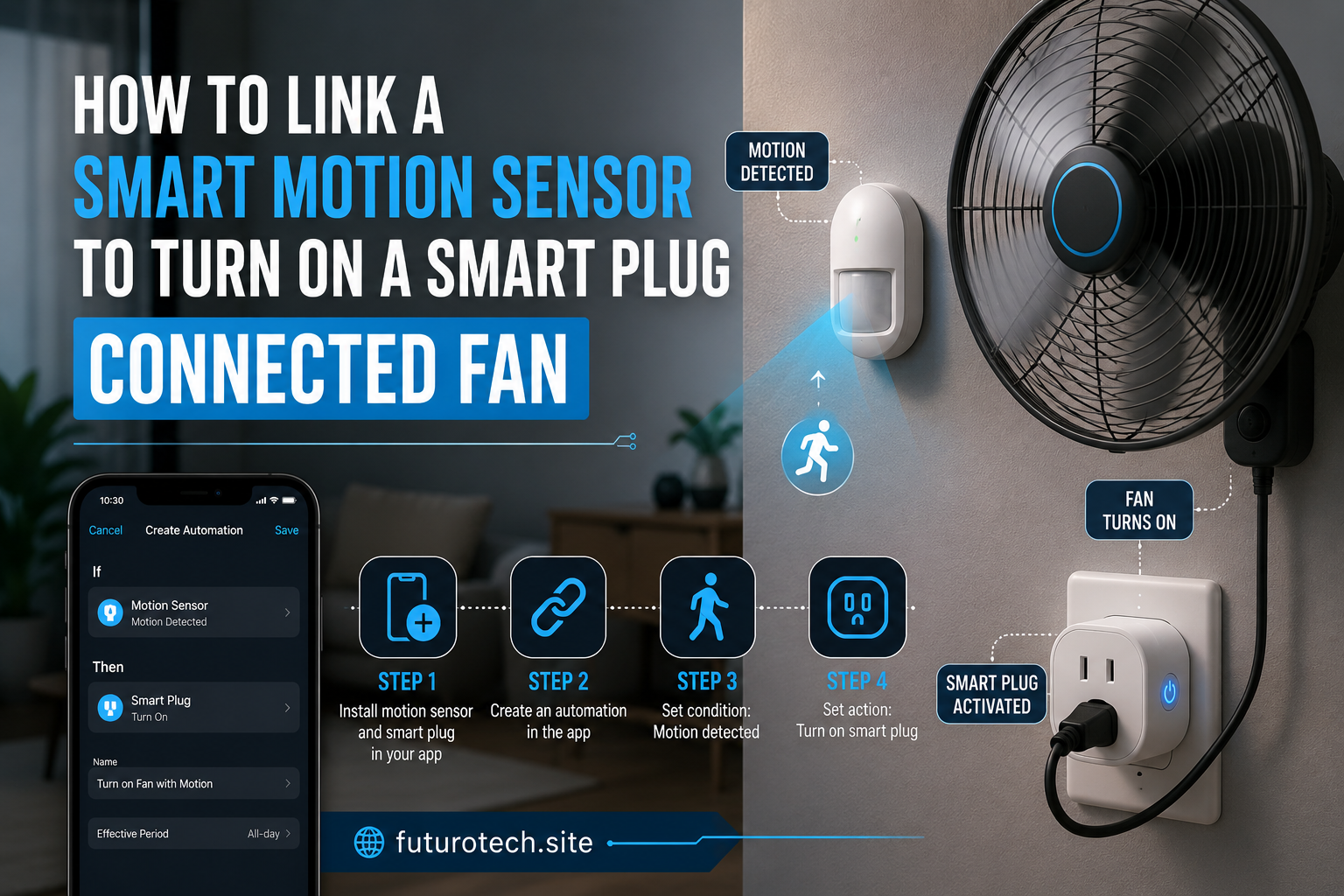
The setup is based on a simple chain:
- The motion sensor detects movement.
- The smart home platform receives the signal.
- The automation runs the command.
- The smart plug turns the fan on.
The fan itself doesn’t need to be a smart fan.
That’s one of the best parts.
A regular fan can become part of your smart home as long as it has a physical power switch that stays in the “on” position when power is supplied.
The smart plug basically acts like the middleman controlling when electricity reaches the fan.
Check Your Devices Before Creating the Automation
Before jumping into settings, make sure everything can actually communicate.
You will need:
- A compatible smart motion sensor.
- A smart plug that supports your smart home platform.
- A fan that can safely be controlled through a smart plug.
- A mobile app or smart home hub that connects both devices.
The fan part is important.
Some fans reset to a default mode when power is restored. Others remember the previous setting.
For example, if your fan turns on automatically after losing and regaining power, the automation will work smoothly.
If it requires pressing a physical button every time, the smart plug won’t magically solve that.
I learned this lesson with an old appliance that looked perfect for automation but refused to cooperate unless someone physically touched it.
Connect the Smart Plug First
Start by setting up the smart plug before adding the motion sensor.
Plug the smart plug into the wall, connect it through its app, and make sure you can manually turn it on and off.
This step seems boring, but it confirms the most important part of the setup.
If the smart plug can’t reliably control the fan manually, automation won’t fix the problem.
Once the plug works properly, connect the fan.
Leave the fan switch turned on so the smart plug can control the power flow.
Add the Motion Sensor to Your Smart Home System
Next, connect your motion sensor.
Depending on the brand and platform, the process may vary slightly, but the general idea is the same:
- Open your smart home app.
- Add the motion sensor as a new device.
- Complete pairing.
- Choose the room where it is located.
- Confirm that motion events are detected.
Test it before building the automation.
Walk in front of the sensor and make sure the app recognizes movement.
This saves a lot of frustration later.
Create the Motion-Activated Fan Routine
Now comes the fun part.
Create a new automation or routine with two parts:
Trigger
The trigger is what starts the automation.
In this case:
“When motion is detected.”
Action
The action is what happens next.
Set the smart plug to:
- Turn on.
That’s the basic version.
A person walks into the room, motion is detected, and the fan starts running.
Simple.
But there are a few improvements that make it much better.
Add a Delay Before Turning the Fan Off
This is probably the most useful adjustment.
Without a delay, the fan may shut off the moment motion stops being detected.
Imagine sitting still for five minutes and suddenly the fan turns off because the sensor thinks nobody is there.
Not exactly relaxing.
Instead, create a second automation:
- If no motion is detected for a certain amount of time.
- Turn off the smart plug.
A delay of 10 to 30 minutes usually feels more natural.
The exact timing depends on the room.
A bathroom might need less time.
A bedroom or office might need more.
Use Conditions to Prevent Annoying Behavior
This is where basic automation becomes a genuinely useful smart home setup.
You can add conditions such as:
- Only run the fan during certain hours.
- Only activate when the temperature is high.
- Only turn on when someone is home.
- Only work on weekdays.
For example, you might not want the fan turning on every time someone walks through a room at midnight.
Automation should fit your life, not make your home feel like it’s following random rules.
Place the Motion Sensor Properly
The location of the sensor makes a bigger difference than people expect.
A poorly placed sensor creates annoying false triggers.
Avoid placing it:
- Directly facing windows with changing sunlight.
- Near heat sources.
- Where pets constantly trigger it.
- Behind furniture or objects.
Aim for the area where movement naturally happens.
A little experimenting is normal.
The perfect placement usually comes after a few adjustments.
Safety Matters With Fans and Smart Plugs
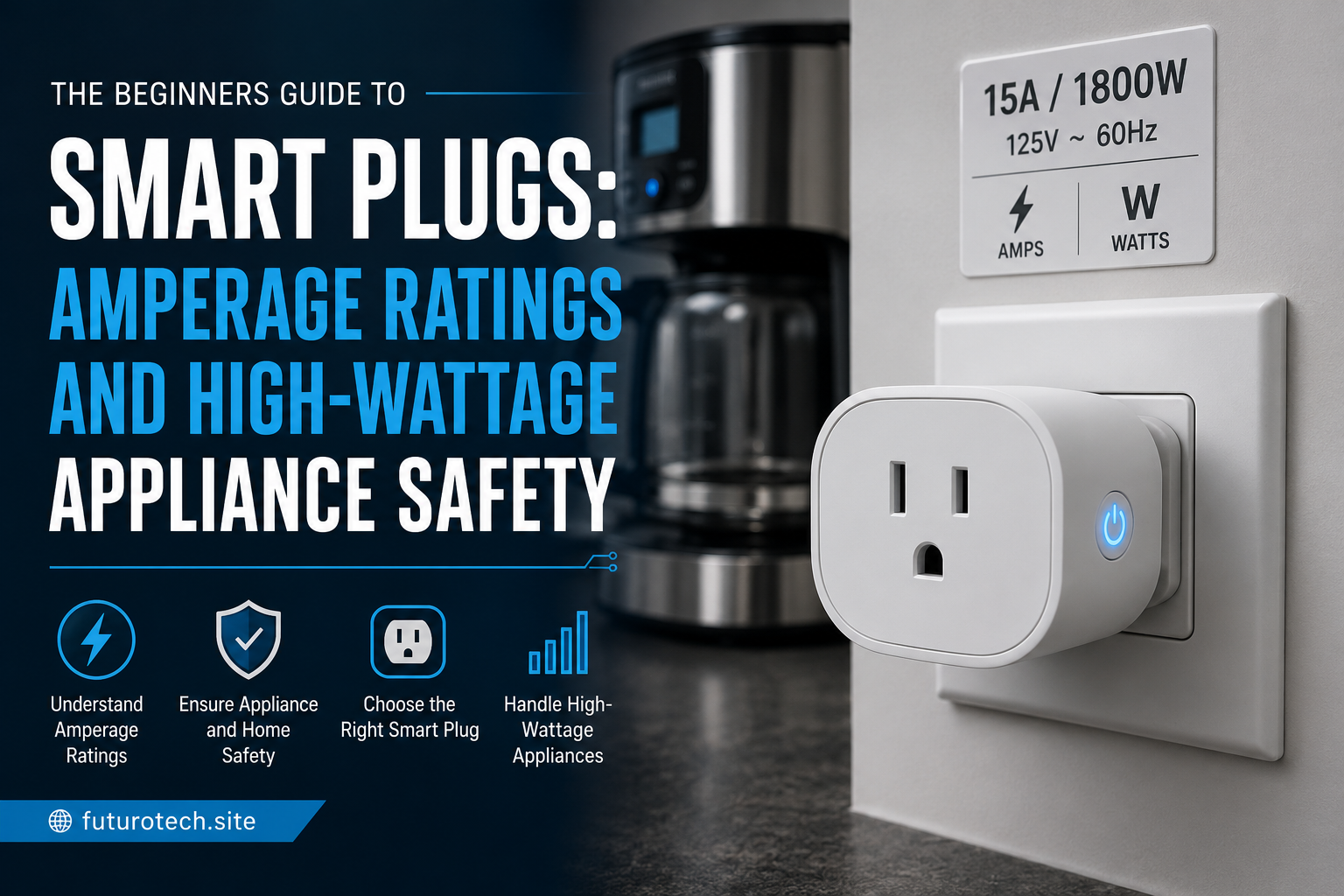
Most fans are suitable for smart plug automation, but always check the power rating of both devices.
Avoid using smart plugs with appliances that exceed the plug’s rated capacity.
Also make sure:
- The fan is in good working condition.
- The plug is designed for the fan’s power requirements.
- Connections are secure.
A smart home should make things safer and easier, not create new problems.
The Small Automation That Makes a Room Feel Smarter
A motion sensor turning on a fan might sound like a small project.
And it is.
But that’s exactly why it’s such a good beginner automation.
It teaches the basics: triggers, actions, conditions, and timing.
Once you understand this setup, you can apply the same idea to lights, air purifiers, heaters, humidifiers, and countless other devices.
The best smart home features are usually the ones you stop noticing.
The fan turns on when you enter.
It turns off when you leave.
You never think about the automation itself.
You just enjoy the comfort.