It Usually Starts With One Smart Plug… Then Things Get Messy
When I bought my first smart plug, I genuinely thought it would be simple. Plug it in, connect it to Wi-Fi, download an app, and enjoy feeling like I lived in the future.
A few months later, I had smart plugs from different brands, multiple smart home apps on my phone, and a growing sense of irritation every time I needed to remember which application controlled what.
That’s a surprisingly common problem. People rarely build an entire smart home at once. Most of us add devices gradually. One smart plug turns into three. Then maybe a smart bulb. A camera. A speaker. Before long, devices are spread across different ecosystems that don’t always cooperate as nicely as the marketing promised.
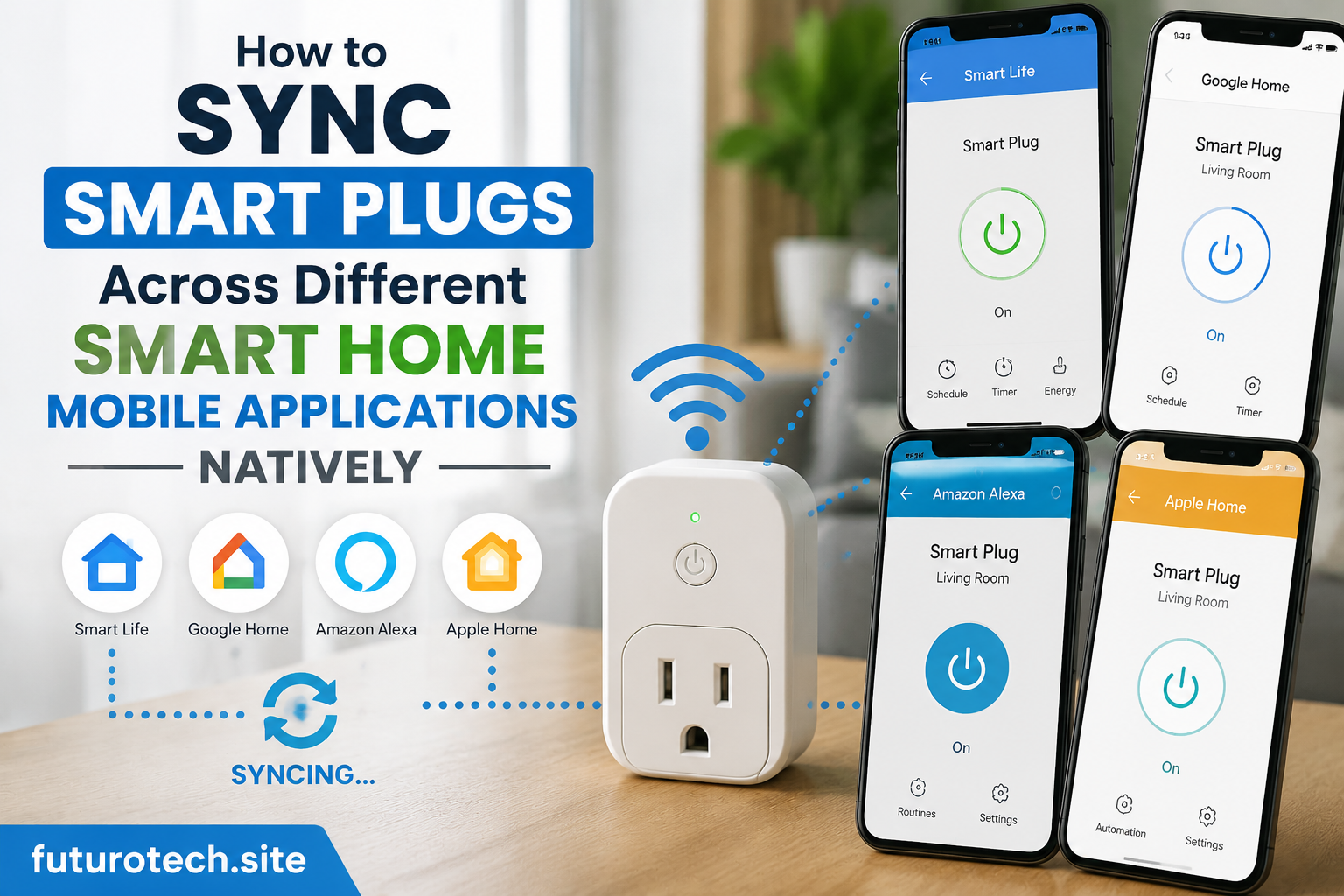
The good news is that native synchronization has become much better over the last few years. In many cases, you can sync smart plugs across different smart home mobile applications without relying on complicated third-party automation platforms or endless troubleshooting sessions.
Understanding What Native Synchronization Actually Means
The term gets thrown around a lot, but native synchronization is fairly straightforward.
Instead of using external services to pass commands between apps, the smart plug connects directly to multiple supported ecosystems through official integrations. The device exists in more than one smart home platform at the same time while maintaining consistent control and status updates.
In practical terms, that means turning a plug on in one app should reflect in the others without delays, duplicate devices, or weird behavior.
At least that’s the goal.
Technology occasionally has other plans.
Set Up the Smart Plug in Its Original App First
I know this sounds obvious, but it’s where many synchronization issues begin.
People often try to skip the manufacturer’s app because they already have a preferred smart home platform. Unfortunately, most smart plugs still require their own application for the initial setup process.
Before attempting any synchronization, make sure the device is fully configured and functioning properly inside the manufacturer’s ecosystem.
That means:
- Connecting the plug to Wi-Fi.
- Registering the device to your account.
- Completing any firmware updates.
- Confirming remote control works correctly.
- Ensuring the device appears online consistently.
I’ve lost count of how many times a simple firmware update solved what looked like a major compatibility problem.
It’s not the exciting solution, but it works surprisingly often.
Use Account Linking Instead of Device Duplication
One mistake people make is attempting to add the same smart plug separately into every platform.
Sometimes that creates duplicate entries. Sometimes it causes devices to become unresponsive. Sometimes it simply creates confusion later when you’re trying to figure out which device is the real one.
A better approach is linking accounts through official integrations.
Most major smart home platforms allow users to connect supported manufacturer accounts directly. Once the connection is authorized, compatible devices are automatically imported into the ecosystem.
The process is usually simple:
- Open the smart home platform you want to use.
- Find the integration or connected services section.
- Select the smart plug manufacturer.
- Log in using your existing account.
- Grant permissions.
- Allow device discovery to complete.
The waiting part can be mildly annoying. Sometimes devices appear instantly. Other times they seem to need a few minutes before deciding to cooperate.
Matter Is Changing How Smart Home Devices Work Together
If you’ve been shopping for smart home products recently, you’ve probably seen the word “Matter” everywhere.
Honestly, unlike many technology buzzwords, this one actually matters.
Matter is a universal smart home standard designed to improve compatibility between devices and ecosystems. Instead of manufacturers creating isolated systems, Matter helps supported products communicate more effectively across multiple platforms.
For smart plugs, this can dramatically simplify synchronization.
A Matter-compatible smart plug can often be shared across supported ecosystems with far fewer headaches than older devices. Setup tends to be smoother, device discovery is more reliable, and feature consistency improves significantly.
It’s not perfect yet, but it’s probably the biggest step toward a genuinely unified smart home that we’ve seen in years.
Keep Device Names Consistent Everywhere
This sounds like a tiny detail.
It isn’t.
Imagine naming a smart plug “Living Room Lamp” in one app, “Corner Light” in another, and “Lamp Outlet” somewhere else.
A few months later you’ll have absolutely no idea whether those are three devices or one device wearing three different disguises.
Consistent naming helps with:
- Voice assistant commands.
- Automation creation.
- Device management.
- Troubleshooting.
- Household sharing.
Future-you will appreciate the organization, even if present-you wants to skip the effort.
Why Some Features Don’t Sync Between Apps
This is where expectations and reality occasionally collide.
A smart plug might appear perfectly inside multiple applications but still offer different functionality depending on the platform.
Basic controls usually work everywhere. Turning the plug on or off is rarely a problem.
Advanced features can be a different story.
Energy monitoring, detailed scheduling, usage reports, power consumption statistics, and manufacturer-specific settings may remain exclusive to the original application.
That isn’t necessarily a malfunction. Sometimes it’s simply how the integration was designed.
Understanding this ahead of time can save a lot of frustration.
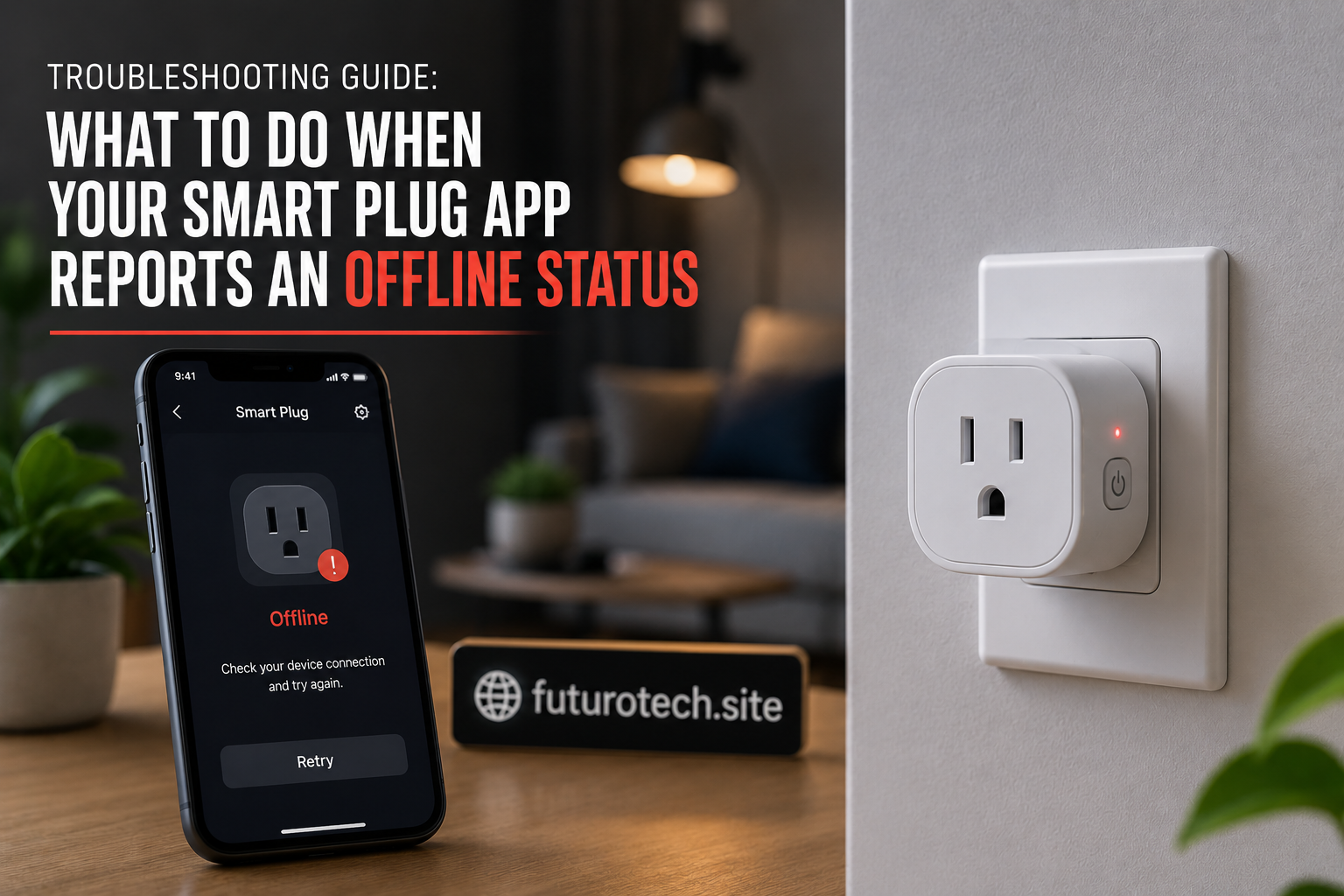
When Smart Plug Synchronization Suddenly Stops Working
Every smart home owner eventually experiences a random issue where a device disappears, stops responding, or refuses to update its status correctly.
Usually it happens right when you’re showing someone how well your smart home works.
That’s just how these things seem to go.
Before deleting devices and starting from scratch, try a few basic troubleshooting steps:
- Restart the smart plug.
- Update all smart home applications.
- Verify internet connectivity.
- Check for firmware updates.
- Refresh device discovery.
- Reconnect linked accounts.
- Confirm cloud services remain enabled.
Most synchronization issues are far less complicated than they initially appear.
It’s amazing how often a simple reconnect fixes something that looked completely broken.
The Best Smart Home Is the One You Don’t Have to Think About
The funny thing about smart home technology is that success feels boring.
When everything works correctly, you barely notice it.
The plug responds. The app updates. The automation runs. Life continues.
Native synchronization helps create that experience by reducing friction between devices and platforms. Instead of constantly switching apps or managing duplicate setups, you get a more unified system that behaves the way people expected smart homes to behave from the beginning.
No complicated workarounds. No endless troubleshooting sessions. No guessing which app controls which outlet.
Just a collection of devices working together quietly in the background.
Honestly, that’s probably the smartest thing a smart home can do.