That Annoying Moment When the Smart Switch Works… But the Light Does Nothing
There is a special kind of frustration that comes with smart home problems.
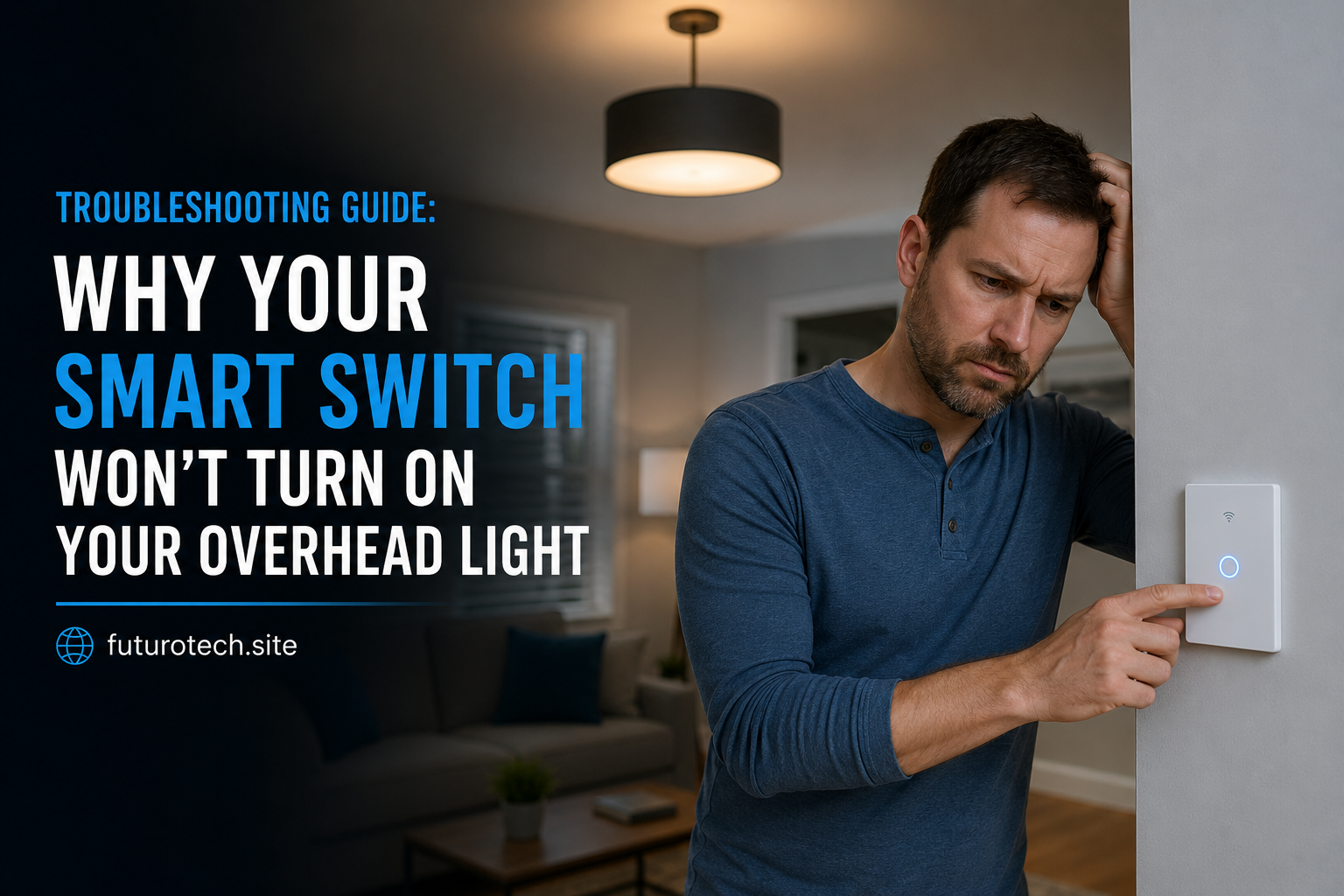
The app says everything is connected.
The switch responds when you tap it.
The little indicator light is glowing.
But the overhead light just sits there like nothing happened.
You start wondering if the switch is broken, the wiring is wrong, or if your smart home has simply decided to ignore you today.
The good news is that this problem is usually caused by a handful of common issues. Going through them in the right order can save you from randomly resetting everything and making the situation worse.
Start With the Obvious: Is the Light Fixture Actually Getting Power?
Before blaming the smart switch, check the light itself.
It sounds too simple, but it happens.
Make sure:
- The bulb is installed correctly.
- The bulb has not burned out.
- The fixture switch is not turned off somewhere else.
- The breaker has not tripped.
If the bulb is dead, no smart switch in the world is going to bring it back.
Check Whether the Smart Switch Has Power
A smart switch needs power to operate.
Look for signs:
- Status lights on the switch.
- Response inside the mobile app.
- Ability to connect or communicate.
If the switch is completely unresponsive, the problem may be electrical rather than a smart home setting.
A switch that has no power cannot send commands to the light.
Make Sure the Wiring Matches the Switch Requirements
This is one of the most common causes after installation.
Smart switches are not always wired the same way as traditional switches.
Common connections may include:
- Line or hot wire.
- Load wire.
- Neutral wire.
- Ground wire.
If the wrong wire is connected to the wrong terminal, the switch may appear alive while the light never turns on.
Always follow the specific wiring instructions for your switch model.
Check If Your Smart Switch Needs a Neutral Wire
This catches a lot of people during installation.
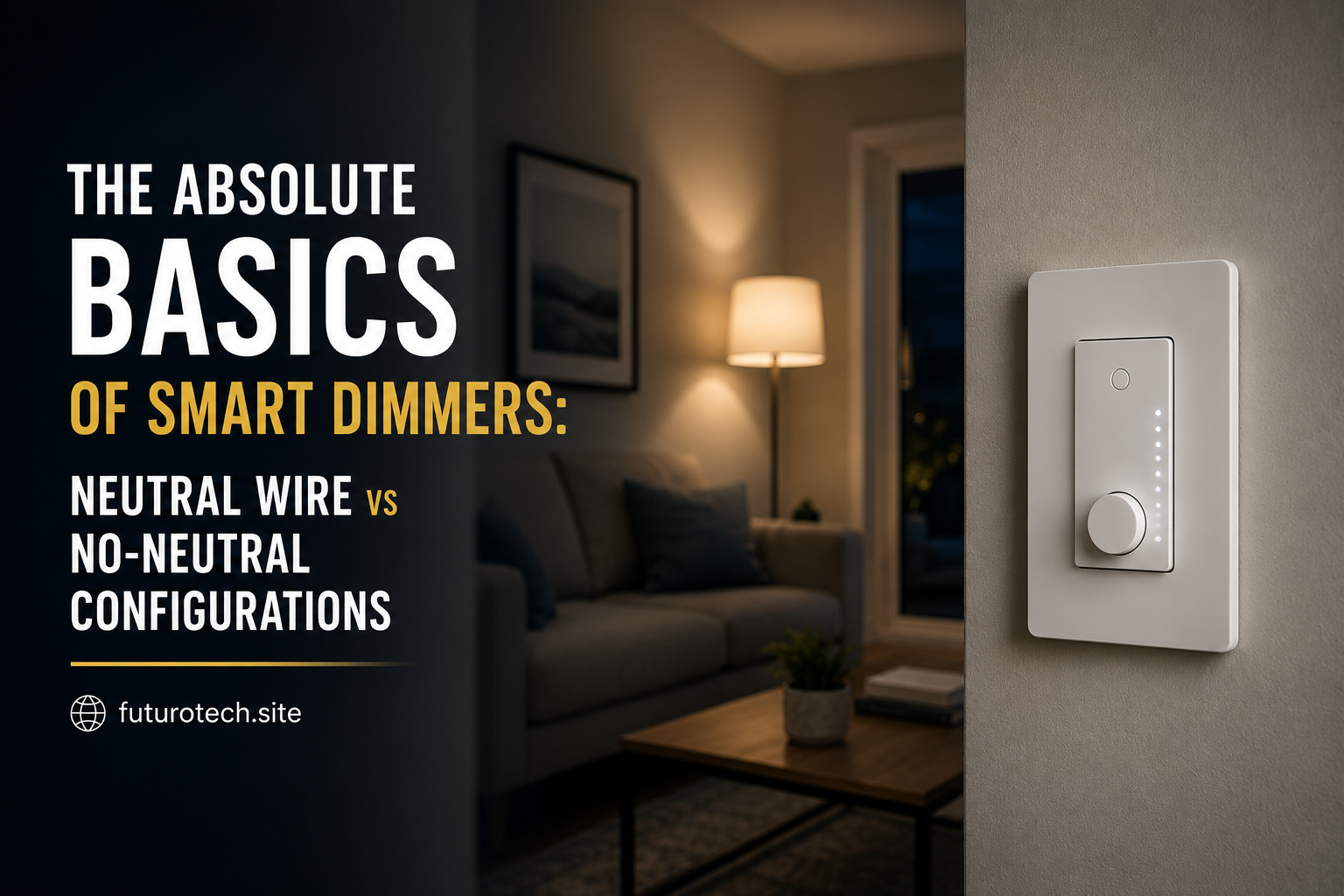
Some smart switches require a neutral wire to power the electronics inside the switch.
Older homes may not have one available in the wall box.
If a switch designed for a neutral connection is installed without one, it may not work correctly.
A no-neutral smart switch may be needed for that type of setup.
Confirm You Installed the Correct Type of Switch
Not every smart switch controls every kind of light.
Check whether the switch supports:
- LED bulbs.
- Dimmable lighting.
- High wattage fixtures.
- Three-way or multi-location setups.
A switch designed for a single ceiling light may not work properly in a setup where multiple switches control the same fixture.
Check the Bulb Compatibility
The bulb itself can be the problem.
This happens especially with:
- LED bulbs.
- Smart bulbs.
- Dimmable fixtures.
Some combinations create strange behavior:
- The bulb flickers.
- The bulb stays off.
- The bulb turns on briefly then shuts off.
If possible, test with a known compatible bulb.
Check the App Status and Device Connection
Sometimes the switch is fine, but the smart home connection is the problem.
Open your smart home app and check:
- Is the switch online?
- Does the app show the correct room?
- Can you manually toggle it from the app?
If the app cannot communicate with the switch, fix the connection before troubleshooting the light.
Restart the Smart Switch and App
Technology gets stuck sometimes.
A restart can clear small connection problems.
Try:
- Close and reopen the app.
- Restart the smart home hub if you use one.
- Power cycle the switch if the manufacturer allows it.
It feels like the classic “turn it off and on again” advice, but annoyingly, it works more often than people want to admit.
Check the Breaker Carefully
If the switch was recently installed, the breaker may have tripped.
Look at your electrical panel and check whether the circuit is switched off.
If the breaker keeps tripping after resetting, stop troubleshooting and investigate the electrical issue instead.
Reset the Smart Switch Only as a Last Resort
Factory resetting is useful, but people use it too quickly.
Resetting means you may have to:
- Reconnect the switch.
- Reconfigure rooms.
- Rebuild automations.
Before doing that, check the basics first.
Check If the Overhead Light Has Another Control Point
Some homes have more complicated wiring than expected.
Examples:
- A second wall switch.
- A remote control system.
- A ceiling fan and light combination.
Another control point may be interfering with the setup.
When It Is Time to Call an Electrician
Smart home projects are usually simple until they involve wiring problems.
Consider getting professional help if:
- Wires are unclear.
- The breaker keeps tripping.
- You smell burning.
- The switch gets unusually hot.
- You are unsure about the electrical setup.
A smart switch is not worth risking an unsafe electrical situation.
The Fix Is Usually Simpler Than It Feels
A smart switch failing to turn on an overhead light can feel like a big problem because there are several pieces involved at once.
The switch.
The wiring.
The bulb.
The app.
The network.
But most failures come down to one missing connection, one compatibility issue, or one setting that was overlooked.
Once you find the weak link, the whole thing usually starts working exactly how you expected from the beginning.