The Moment I Realized My Home Office Was Wasting Power All Night
It happened completely by accident.
One evening, long after I had finished working, I walked back into my home office to grab something I’d forgotten. The room was dark, but a surprising number of tiny lights were still glowing.
The monitor’s standby light.
The printer.
A charging dock.
A couple of smart devices.
My speakers.
None of them were doing anything useful, yet they were all quietly drawing power.
Individually, it didn’t seem like much. Collectively, it felt ridiculous.
That’s when I started looking into creating a daily schedule that would completely power off my home office every night without requiring me to remember a dozen different switches.
Honestly, it turned out to be one of the simplest smart home automations I’ve ever created.
Why a Scheduled Shutdown Makes More Sense Than Manual Control
In theory, manually turning everything off sounds easy.
In reality, most of us forget.
Some nights you’re tired. Some nights you’re rushing to finish a project. Other nights you leave the room intending to come back and never do.
A scheduled shutdown removes the human factor completely.
Once the automation is in place, your office powers down whether you remember or not.
That’s the beauty of it.
No reminders. No sticky notes. No guilt when you realize the monitor has been sitting in standby mode for twelve hours.
Identify Everything That Can Be Safely Powered Off
Before creating a schedule, take inventory of your workspace.
This part is surprisingly eye-opening.
Walk around your office and make a list of every device connected to power.
You might find:
- Computer monitors.
- Desk lamps.
- Printers.
- Speakers.
- Phone chargers.
- Laptop docks.
- Smart displays.
- External hard drives.
- Networking accessories.
- USB hubs.
Not every device should be powered off automatically.
For example, if you’re running overnight backups or remote access software, shutting down critical equipment may create more problems than it solves.
The goal is to eliminate unnecessary power usage, not accidentally sabotage tomorrow morning.
Use Smart Plugs as the Foundation
For most home offices, smart plugs are the easiest solution.
Instead of replacing existing devices, you simply place smart plugs between the wall outlet and the equipment you want to control.
The setup is simple enough that even people who aren’t particularly interested in smart home technology can usually have everything running within an hour.
What makes smart plugs useful is their scheduling capability.
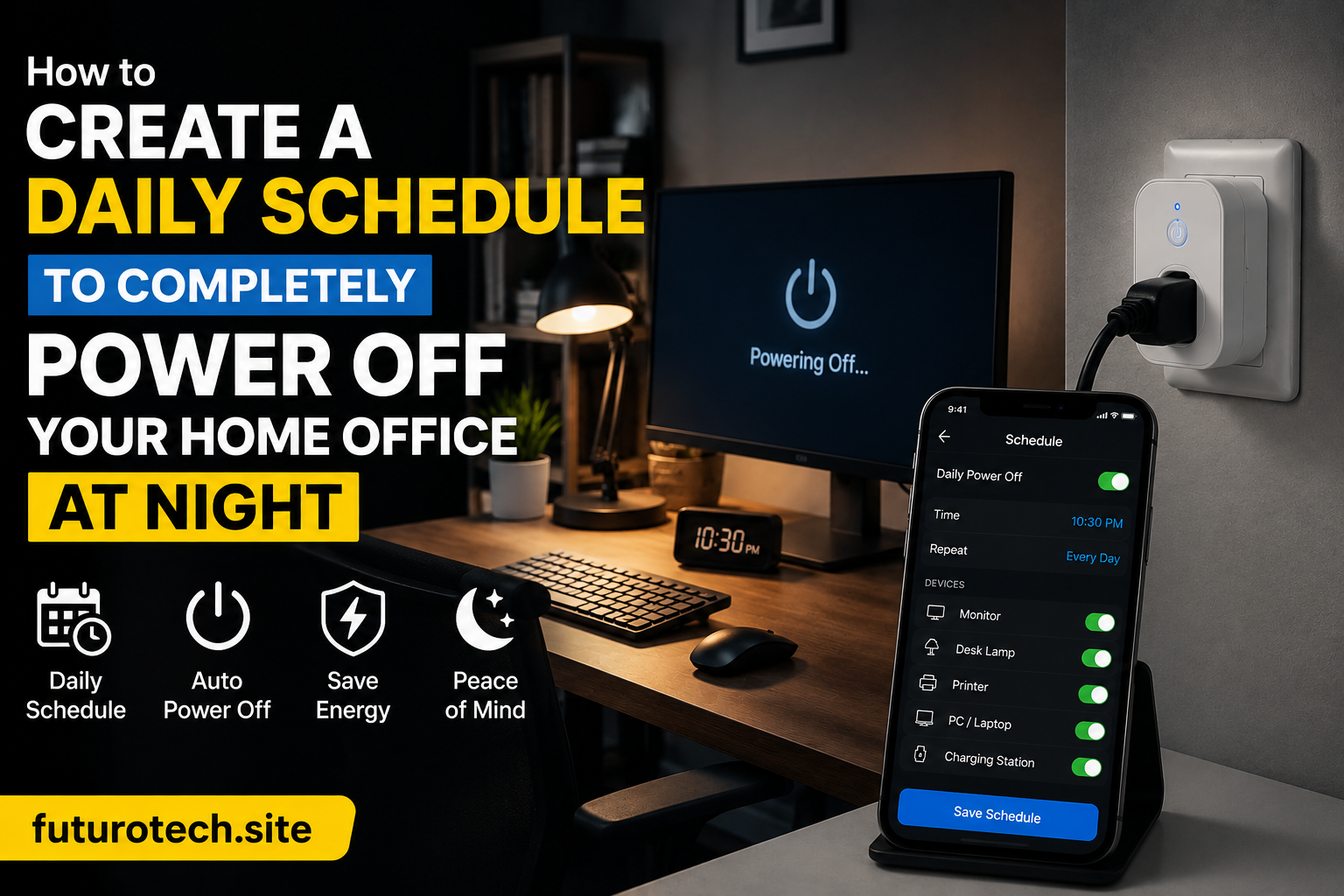
Once connected to your preferred smart home platform, they can automatically turn off at a specific time every night and reactivate before your workday begins.
Create a Shutdown Time That Matches Your Real Habits
This sounds obvious, but it’s worth mentioning.
Don’t choose a shutdown time based on some idealized version of your life.
Choose one based on reality.
If you’re regularly working until 10 PM, scheduling everything to power off at 8 PM is going to get annoying very quickly.
Look at your actual work patterns.
Maybe your office usually sits unused after 9:30 PM.
Maybe midnight makes more sense.
The best automation is the one that quietly fits into your existing routine without constantly forcing adjustments.
Add a Warning Before the Power-Off Sequence
This is one feature I highly recommend.
Instead of cutting power instantly, create a brief warning period.
Many smart home systems allow you to trigger a notification, smart speaker announcement, or blinking light a few minutes before shutdown.
Something simple.
A quick reminder that the office will power down in five minutes.
That small warning can prevent unsaved work, interrupted downloads, and the kind of frustration that tends to linger for the rest of the evening.
Group Devices Into a Single Office Automation
Managing individual devices works at first.
Then the number of connected devices starts growing.
And growing.
And somehow your office contains far more technology than you ever intended.
Creating a dedicated “Home Office Off” routine makes management much easier.
Instead of scheduling ten separate devices individually, you control everything through one automation.
Need to adjust the schedule later?
One change updates the entire setup.
Future-you will appreciate that convenience.
Consider a Morning Startup Routine Too
Once you automate shutdowns, it’s hard not to start thinking about mornings.
If your workday begins around the same time each day, you can schedule essential devices to power back on automatically.
Imagine walking into your office and finding:
- Your desk lamp already on.
- Your monitor ready.
- Your charging station active.
- Your speakers connected.
- Your workspace prepared for the day.
It’s a small luxury.
But it’s one of those conveniences you quickly become attached to.
Don’t Forget Energy Monitoring
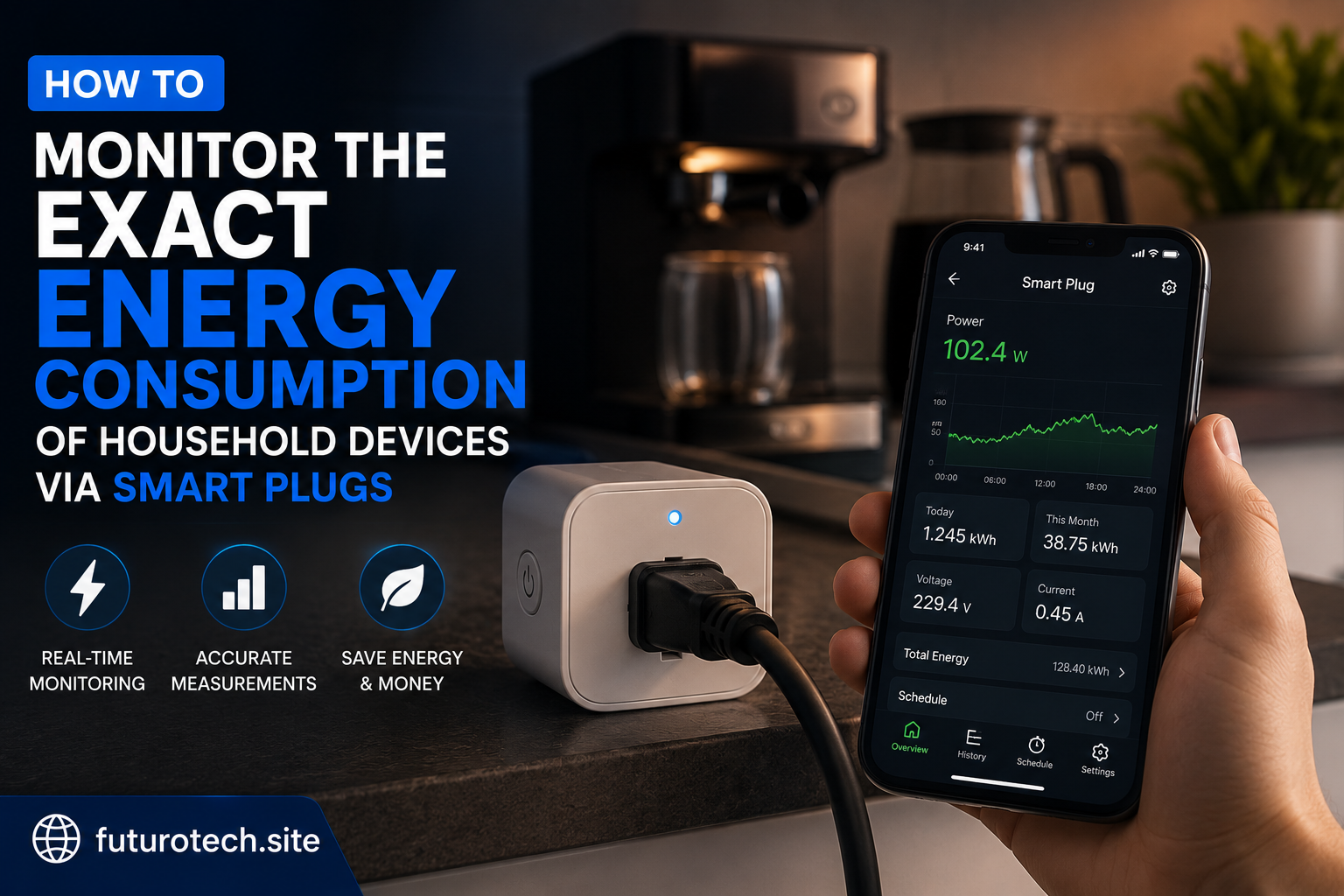
Many smart plugs now include energy monitoring features.
I wasn’t particularly interested in the data at first.
Then I checked it.
Seeing actual power consumption numbers changed my perspective.
Devices that seemed insignificant were consuming more energy than expected simply because they stayed powered twenty-four hours a day.
Tracking usage helps you identify which devices contribute most to standby power consumption and where automation creates the biggest savings.
It’s surprisingly satisfying watching unnecessary energy usage disappear from the reports.
Leave Room for Exceptions
No automation should be completely inflexible.
There will be evenings when you’re working late, downloading large files, attending international meetings, or simply need the office available longer than usual.
Build an easy override option into the system.
Whether that’s a voice command, app control, or a temporary schedule adjustment, flexibility prevents the automation from becoming a nuisance.
The goal is convenience, not strict enforcement.
The Best Part Is What You Stop Thinking About
The most successful smart home automations tend to disappear into the background.
After a few weeks, you stop noticing them.
You leave the office.
The room powers down automatically.
Energy isn’t wasted overnight.
Devices aren’t sitting in standby mode for no reason.
Everything simply takes care of itself.
And that’s really the point.
Not creating a more complicated workspace. Not adding technology for the sake of technology.
Just building a system that quietly handles the little things so you don’t have to.
For something as simple as turning devices off at night, the difference it makes is surprisingly satisfying.