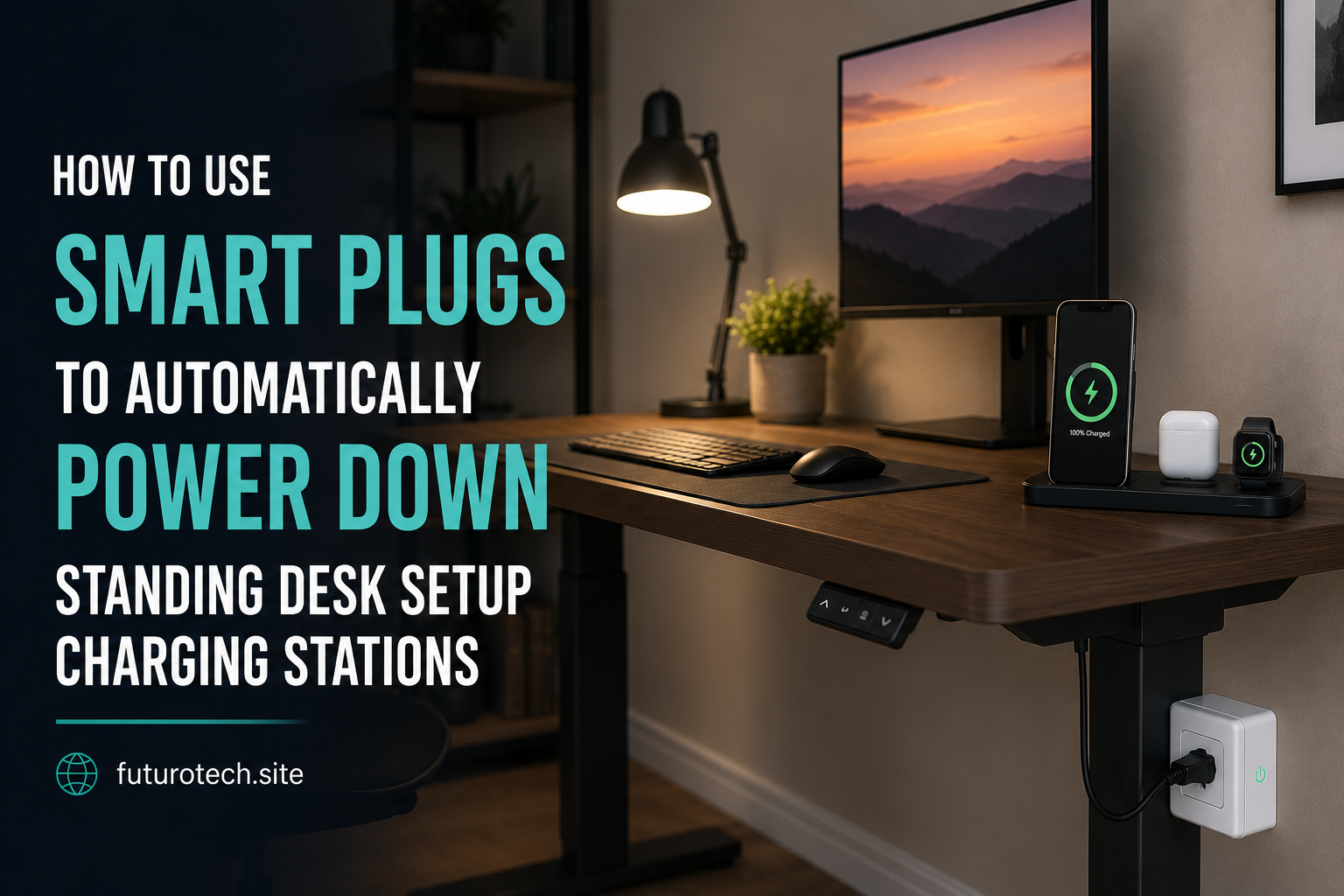
How to Use Smart Plugs to Automatically Power Down Standing Desk Setup Charging Stations

The Little Charging Station Problem Nobody Talks About
A home office has a funny way of collecting gadgets.
It starts with a laptop charger.
Then a phone charging cable appears.
Then wireless earbuds. A tablet. A desk lamp. Maybe a monitor hub. Suddenly there is a whole corner of your desk quietly consuming power even when you are nowhere near it.
I noticed this because I kept walking past my desk at night and seeing tiny lights still glowing. Nothing was being used. Nothing was happening. But everything was still connected.
That is when using a smart plug to automatically power down a standing desk setup started making a lot of sense.
It is not about saving a massive amount of money overnight. The bigger win is creating a workspace that shuts itself down when the day is finished.
What You Can Control With a Smart Plug
A smart plug works best as a central power switch for devices that do not need to stay active all the time.
A typical standing desk charging station might include:
- USB charging hubs.
- Phone chargers.
- Laptop docking stations.
- Desk lamps.
- Monitor accessories.
- Small speakers.
- Power strips.
Instead of unplugging everything manually every evening, the smart plug handles the shutdown automatically.
That small change removes one more thing from your daily mental checklist.
Choose the Right Devices to Power Down
This part is important because not every device should be disconnected regularly.
Before putting your entire desk setup on a schedule, think about what actually needs power overnight.
Usually safe candidates include:
- Phone chargers.
- Desk lighting.
- Unused accessories.
- Charging stations.
Be more careful with:
- Computers running overnight tasks.
- Network equipment.
- Backup drives.
- Devices performing scheduled updates.
The goal is controlled power management, not accidentally interrupting something important.
Set Up the Smart Plug With Your Desk Equipment
The physical setup is usually simple.
- Plug the smart plug into your wall outlet.
- Connect your desk power strip or charging station to the smart plug.
- Set up the smart plug in its mobile application.
- Confirm you can turn power on and off manually.
That last step matters.
Always test manual control before creating automation.
If the smart plug cannot reliably switch power when you are standing right there, a schedule will not magically fix it.
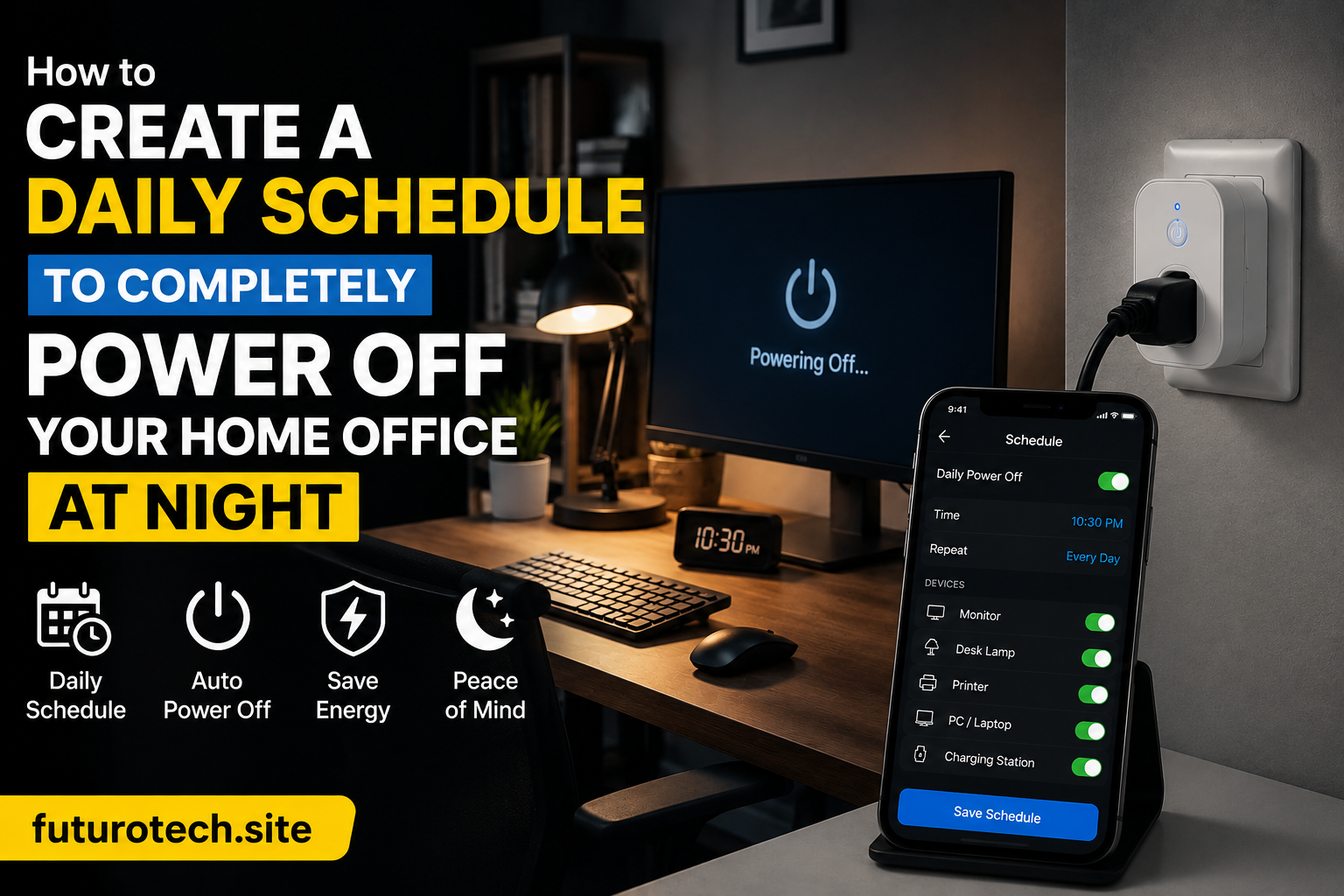
Create an Automatic Night Shutdown Schedule
Now the useful part begins.
Create a schedule that matches your actual routine.
For example:
- Power on at 7:00 AM.
- Power off at 10:30 PM.
The exact times depend on your habits.
Don’t create a schedule based on the person you wish you were.
Create one based on what you actually do.
If you regularly work late, a 9 PM shutdown will become annoying very quickly.
Add a Smart Reminder Before the Shutdown
This is one of those small improvements that makes the whole setup feel more polished.
Instead of instantly cutting power, create a reminder a few minutes before shutdown.
Something like:
“Office power will turn off in five minutes.”
It gives you a chance to save files, unplug something important, or extend the schedule if needed.
A little warning prevents a lot of frustration.
Use Energy Monitoring to See What Your Desk Really Uses
Many modern smart plugs include energy monitoring features.
At first, I thought this was just a nice extra feature.
Then I checked the numbers.
Seeing actual usage data changes how you think about standby power.
A single charger might not seem like much. But several devices sitting connected every day, all year, can add up.
Energy monitoring helps answer questions like:
- Which devices consume the most power?
- Does turning everything off overnight make a difference?
- Are some devices using energy when they should not be?
Combine Your Smart Plug With a Standing Desk Routine
This is where things get more interesting.
A standing desk setup is already about creating better habits. Smart automation fits naturally into that idea.
You can combine the power schedule with other routines:
- Desk lamp turns on when work starts.
- Charging station activates during office hours.
- Accessories shut down when your workday ends.
- Notifications remind you to leave the desk.
The technology is simple.
The benefit is making the workspace feel intentional.
Be Careful With Power Strips and High Loads
A common mistake is assuming a smart plug can handle anything because it fits physically.
That is not how electrical limits work.
Check the smart plug’s maximum rating and make sure the connected devices stay within safe limits.
Avoid connecting equipment that draws heavy power unless the smart plug is specifically designed for that type of load.
For a typical charging station and office accessories, this usually is not a problem, but it is still worth checking.
Create an Easy Override for Busy Days
Automation should help you, not trap you.
There will be days when you work late.
There will be weekends when you use the desk at unusual times.
Make sure you can manually control the smart plug from the app or with a voice command.
The best smart home setups have rules, but they also allow flexibility.
The Best Part Is Forgetting About It
The funny thing about good automation is that you stop noticing it.
After a while, you don’t think about turning off chargers.
You don’t wonder whether the desk setup is still consuming power.
You just finish work, walk away, and the space handles itself.
That is where smart plugs are genuinely useful.
Not because they make a desk look futuristic.
Because they remove tiny annoying tasks that you were never meant to keep remembering in the first place.