
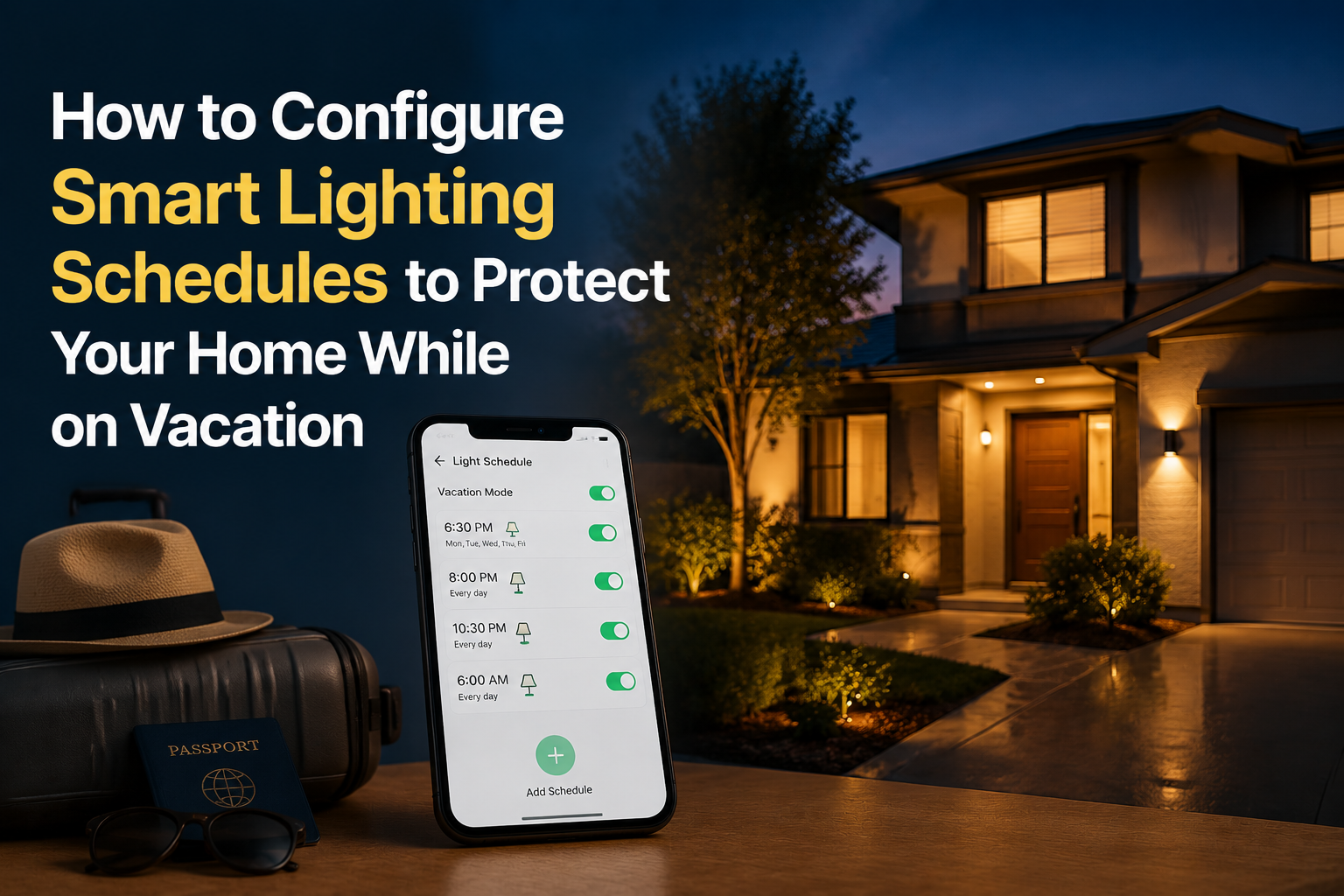
A house with the same two lamps clicking on at 7:00 PM every night for 14 days reads as a “vacation house,” not a lived-in one. Effective vacation lighting requires randomized timing, varying brightness levels, and room-sequencing that mimics authentic human movement.
We modeled the lighting patterns of an occupied two-bedroom home for 30 days and replicated them into Home Assistant. The following framework applies this approach to any major smart home ecosystem.
Background and Technical Context
Research from the US Department of Justice indicates that visible signs of occupancy significantly reduce intrusion attempts. Smart lighting can produce these signs effectively, but the schedule must remain unpredictable. Human occupants do not activate lights at the exact same second each evening.
- Daily variance: Realistic activation windows shift by 25 to 90 minutes.
- Transition density: An active home typically exhibits 3 to 7 distinct lighting transitions per evening.
- Circadian cycle: Bedroom lights should extinguish between 22:30 and 24:00 to match typical sleep patterns.
Diagnostic Framework
1. Mapping Realistic Movement
Before writing automation logic, log your own evening patterns for one week. Use this as your baseline for randomization:
- Kitchen: 17:30 to 19:30.
- Living Area: 18:30 to 22:30.
- Bathroom: Intermittent pulses between 20:00 and 23:00.
- Bedroom: Activation at 22:00; deactivation at 23:30.
2. Implementing Randomized Sunset Triggers
Hard-coded clock times are easily identified as automated. Utilize sunset offsets combined with randomized delays to create a human-like schedule.
Home Assistant Example:
trigger:
  platform: sun
  event: sunset
  offset: "-00:15:00"
action:
  - delay:
      minutes: "{{ range(0, 30) | random }}"
  - service: light.turn_on
    target:
      entity_id: light.kitchen
For Alexa users: Since native randomization is limited, build five variations of the same routine with different offsets and assign them to a “Hunch” group to rotate between them.
3. Simulating “Television” Light Spill
Static brightness in a living room is an immediate “tell.” Simulate television glow using a second light source:
- Hue Play: Use the “Surround” scene for a slow-changing color transition.
- Wiz Bulbs: Select the “Movie” effect at 30% brightness.
- WLED Strips: Apply the “Lake” or “Aurora” effect at low saturation.
Set this sequence to run from 19:00 to 22:30 with a 20% random chance to power off every 15 minutes.
4. Geofencing and Overrides
Your vacation automation should immediately suspend if a household member returns home.
- Define a “Home” geofence zone of approximately 200 meters.
- Create a binary sensor that remains active while any registered device is within the zone.
- Add a condition to your vacation automations: Execute only if the “Home” binary sensor is false.
What to Avoid
- Over-Illumination: Do not activate every light in the house at 100% brightness; an empty house glowing like a stadium is highly suspicious.
- All-Night Porch Lights: A porch light burning from sunset to sunrise without deviation suggests a vacancy. Use a dusk-to-dawn sensor or specific timing.
- Digital Footprints: Avoid announcing your vacation status on social media.
Frequently Asked Questions
- Does vacation mode actually deter burglars? Yes, when paired with visible physical security (e.g., locked back doors and doorbell cameras).
- Can I run this without Home Assistant? Yes. Platforms like Philips Hue (“Mimic Presence”), SmartThings, and Apple HomeKit offer built-in vacation modes, though they often lack granular room-sequencing.
- How do I verify the schedule works? Test your sequences for at least three evenings before departing. Monitor device logs to confirm each automation fires correctly.
Related Reading & Reference Sources
Inside FuturoTech:
External technical references: